Anime Zoom backgrounds
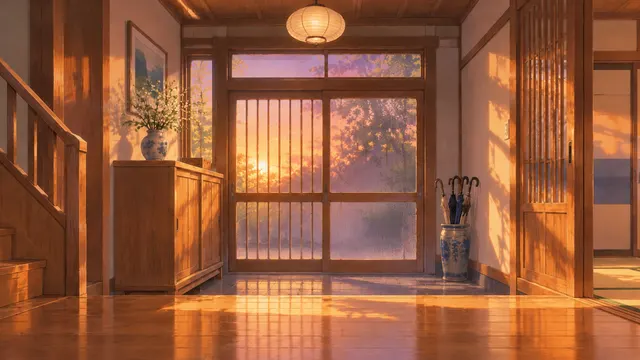
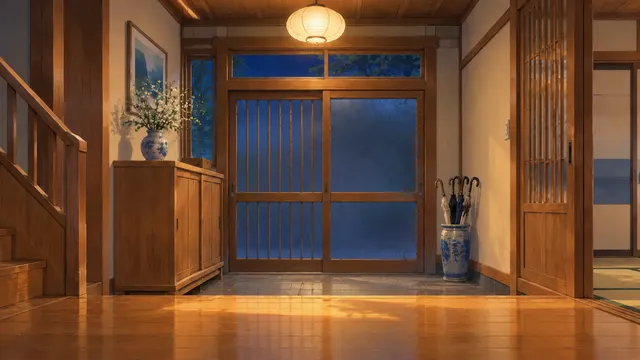
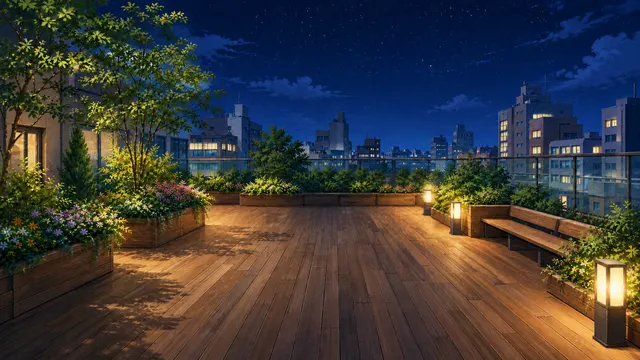
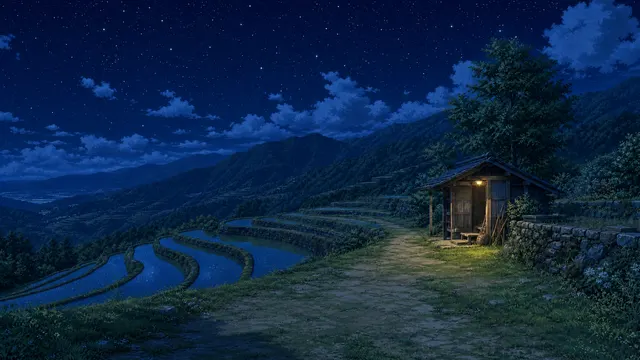
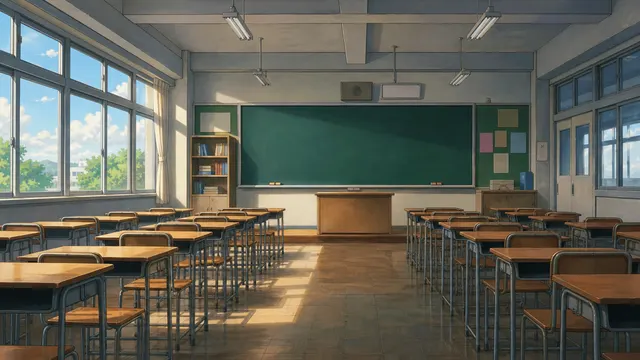
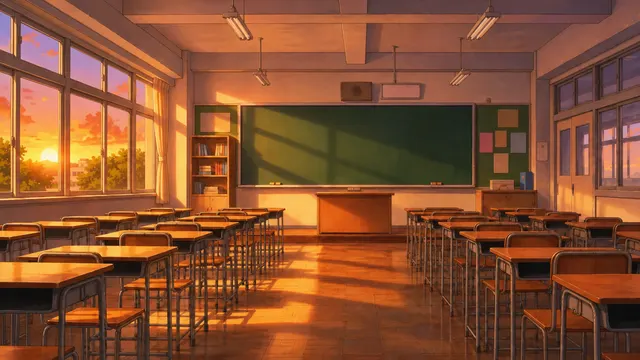
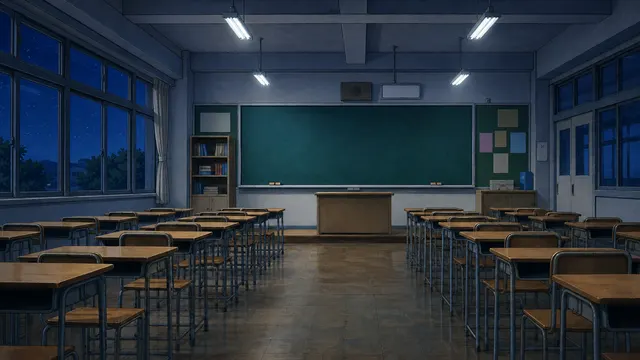
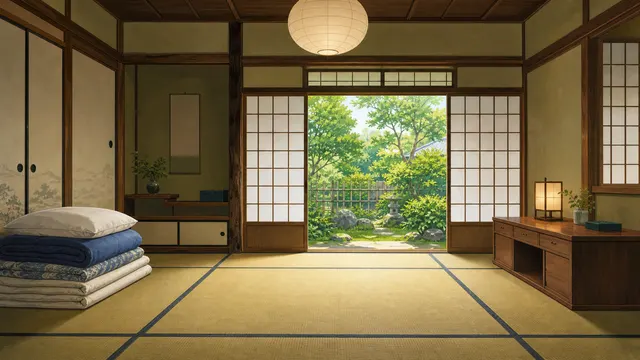
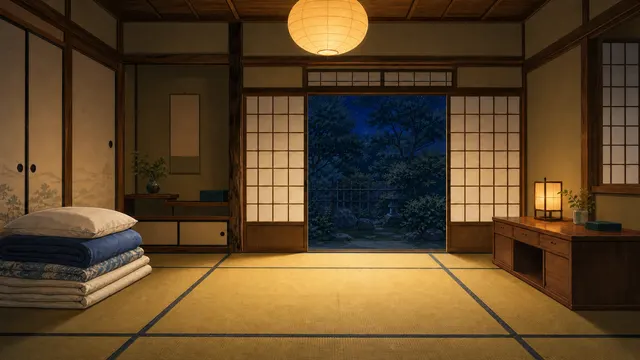
Free anime virtual backgrounds for Zoom, Google Meet and Microsoft Teams. 1920×1080 JPG with no characters and no sign-up, in day, sunset and night.
Pick the time that matches your room: a night background behind a daylit face looks cut out. The steps below are for a computer.



Scenes for calls
All 169 scenes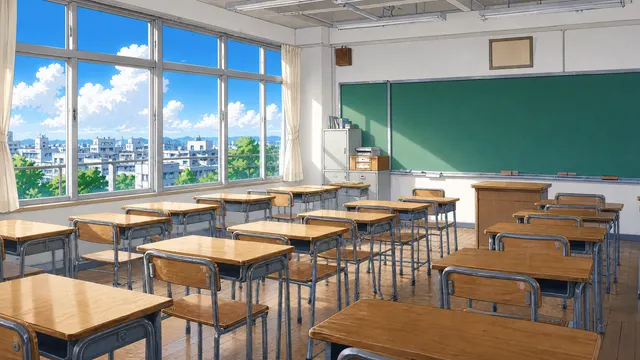

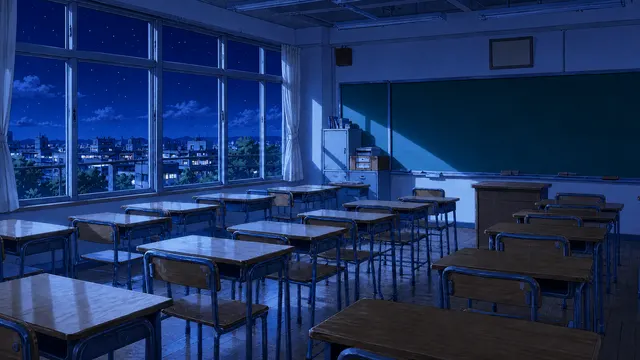
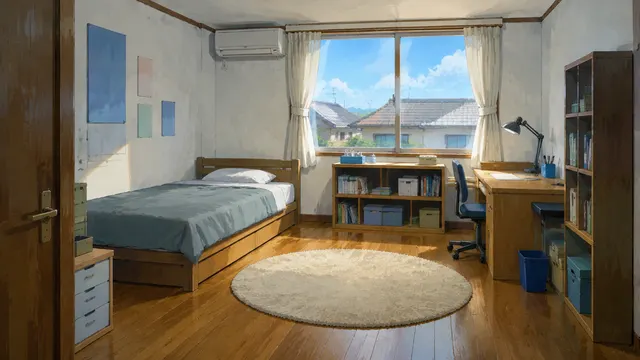
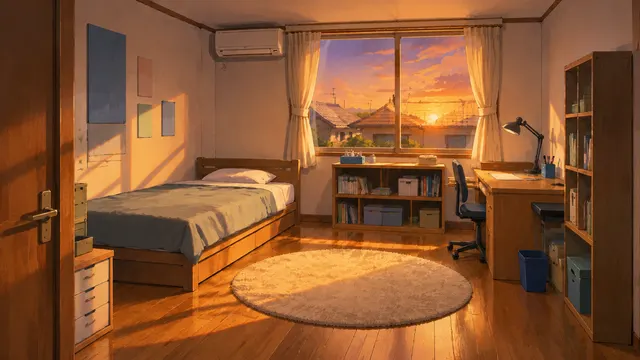
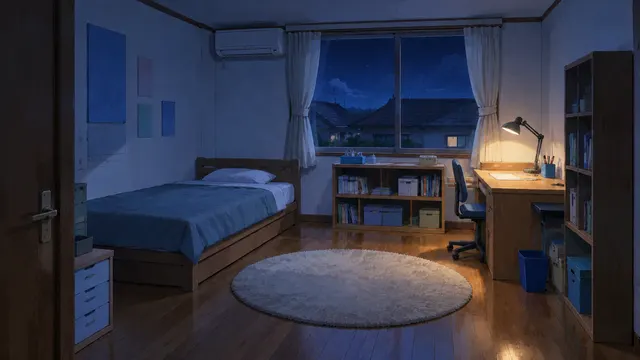
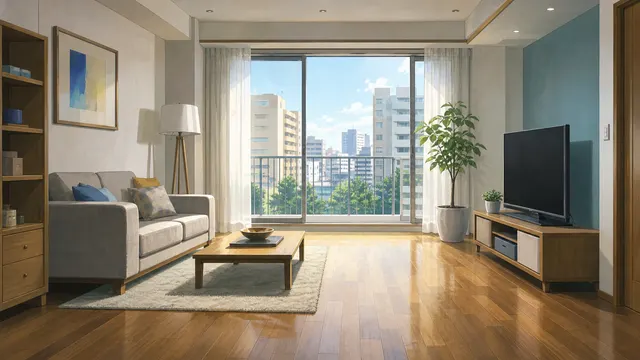
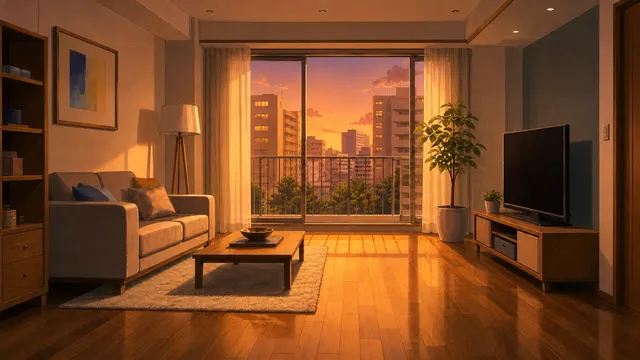
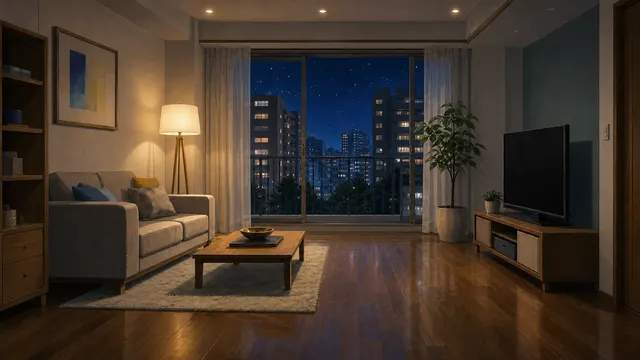
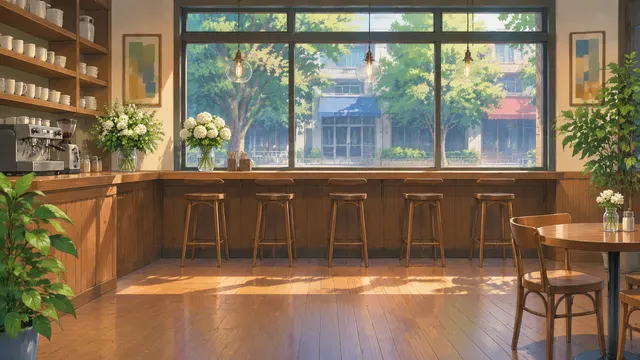
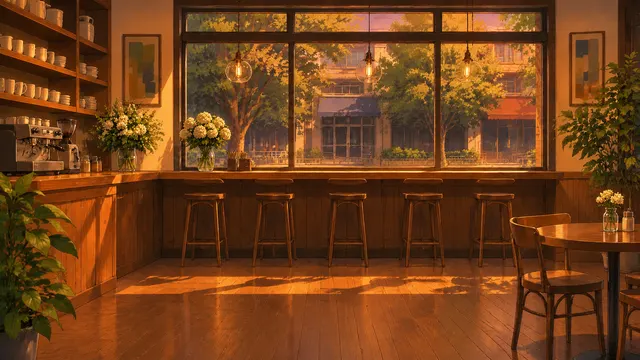
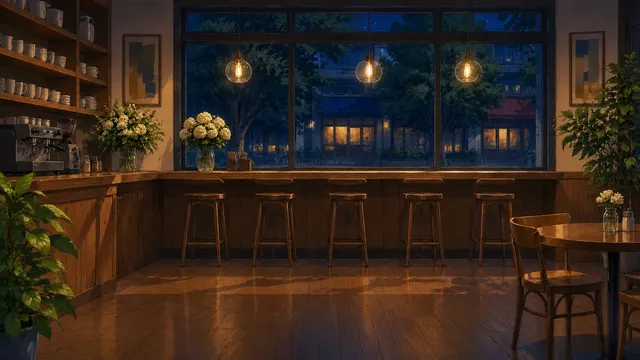
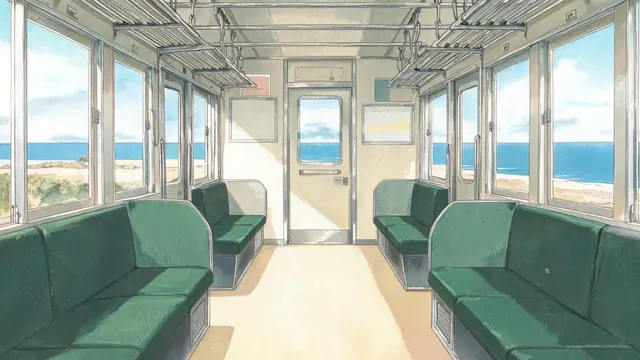
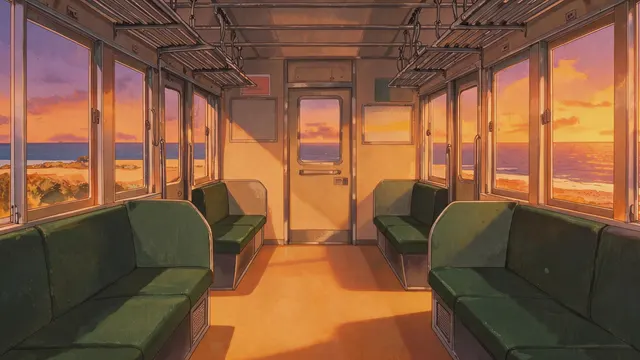
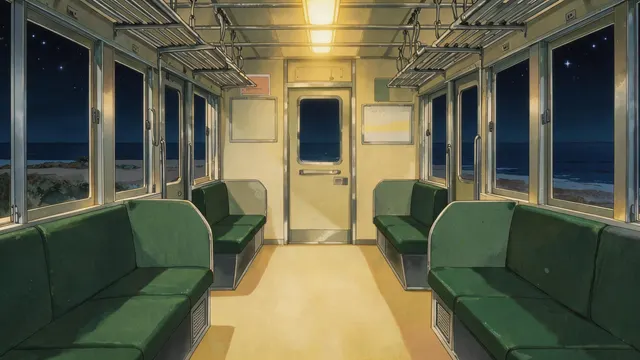


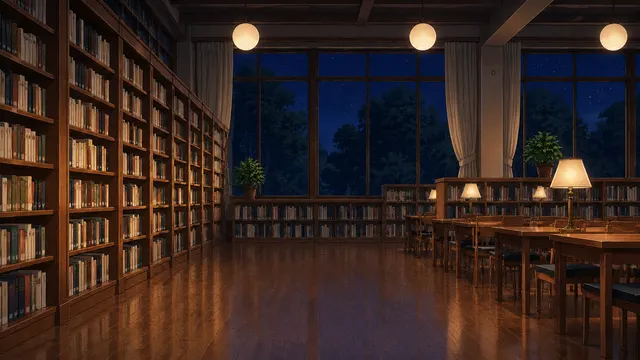
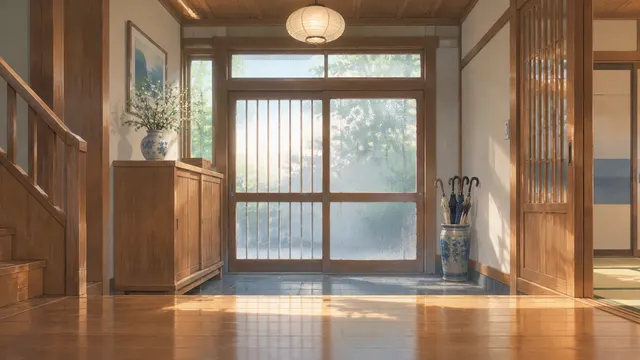


























Zoom
Zoom takes PNG and JPG up to 15 MB.
- Click your profile picture, then Settings.
- Open Video & effects, then Virtual backgrounds.
- Click the add icon and choose the downloaded JPG.
- During a meeting: the arrow next to Video, then Video & effect settings.
Google Meet
- During a call, click Video settings, next to Microphone.
- Open the Backgrounds tab.
- Choose Add your own personal background and pick the JPG.
Administrators of a work account can switch this off.
Microsoft Teams
- Before joining: Effects and avatars, then More video effects.
- Choose Add new and pick the JPG.
- During a meeting: More actions, Video effects and settings, Video effects, then Add new.
- Click Preview to check it, then Apply.
If it looks mirrored
Video apps can mirror your own preview. The other people on the call see the picture the right way round, so don't flip it.