Anime phone backgrounds
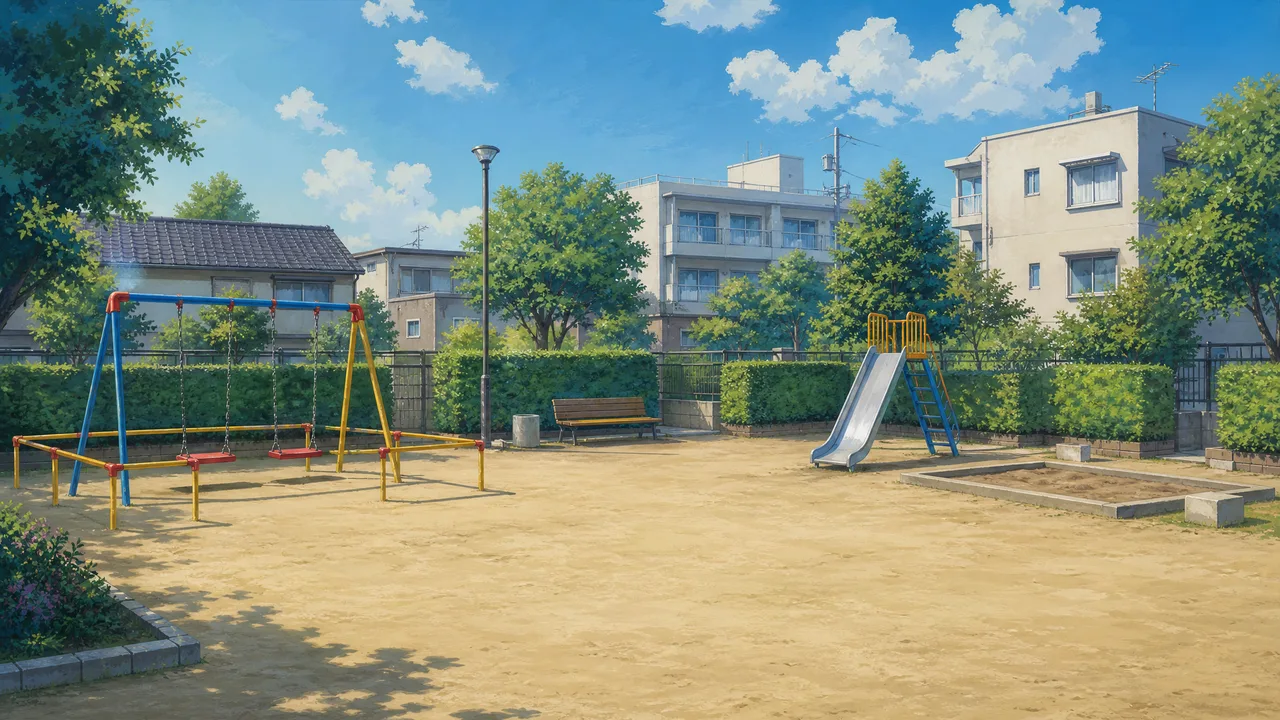
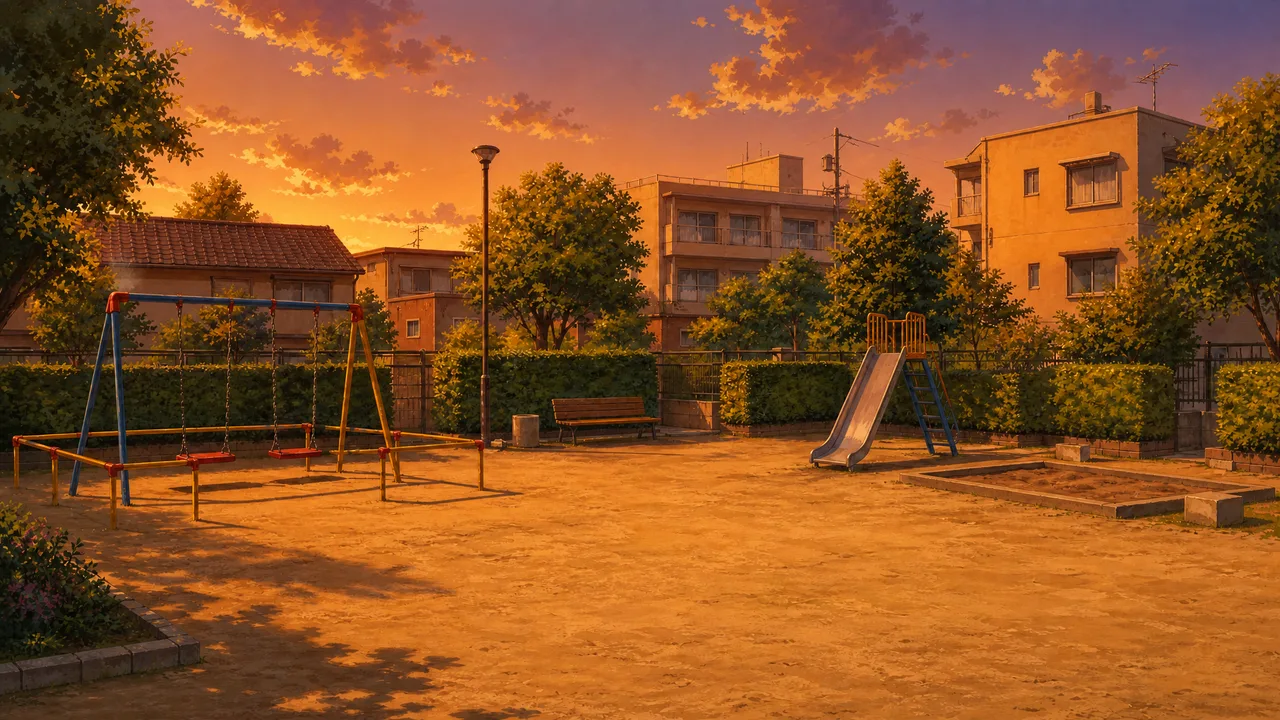
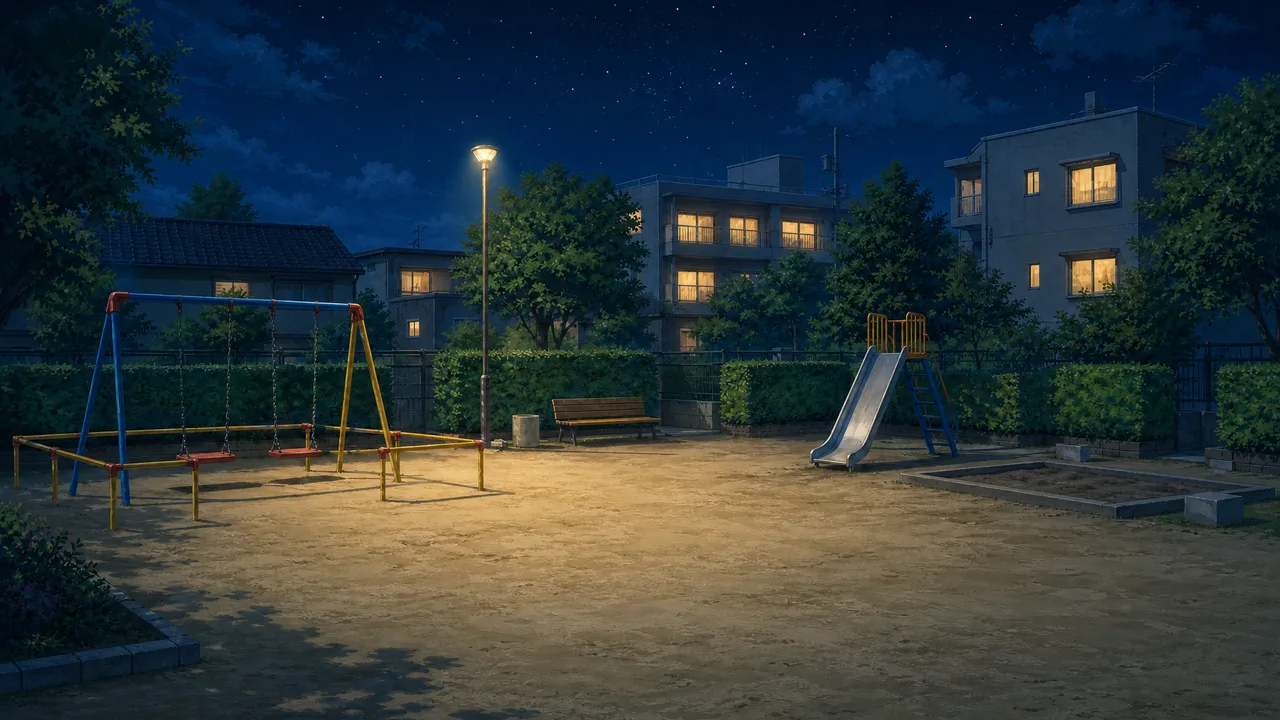
Anime phone backgrounds in 9:16, with no characters. Studio makes the tall version of any scene in the library, in day, sunset, night, rain or snow.
The boards here show a plain crop. Studio repaints the scene for the tall shape, so the sky and the ground go on where the crop ends. A 1K preview is free; 2K is 1 credit.
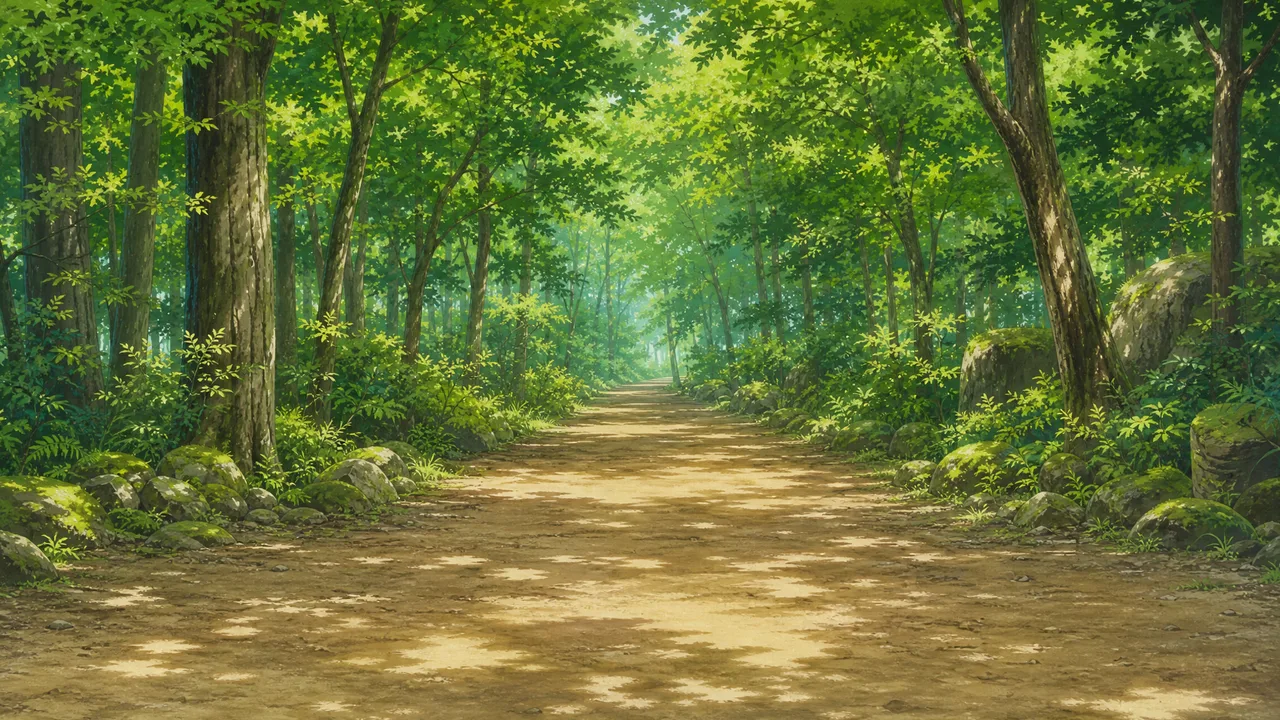
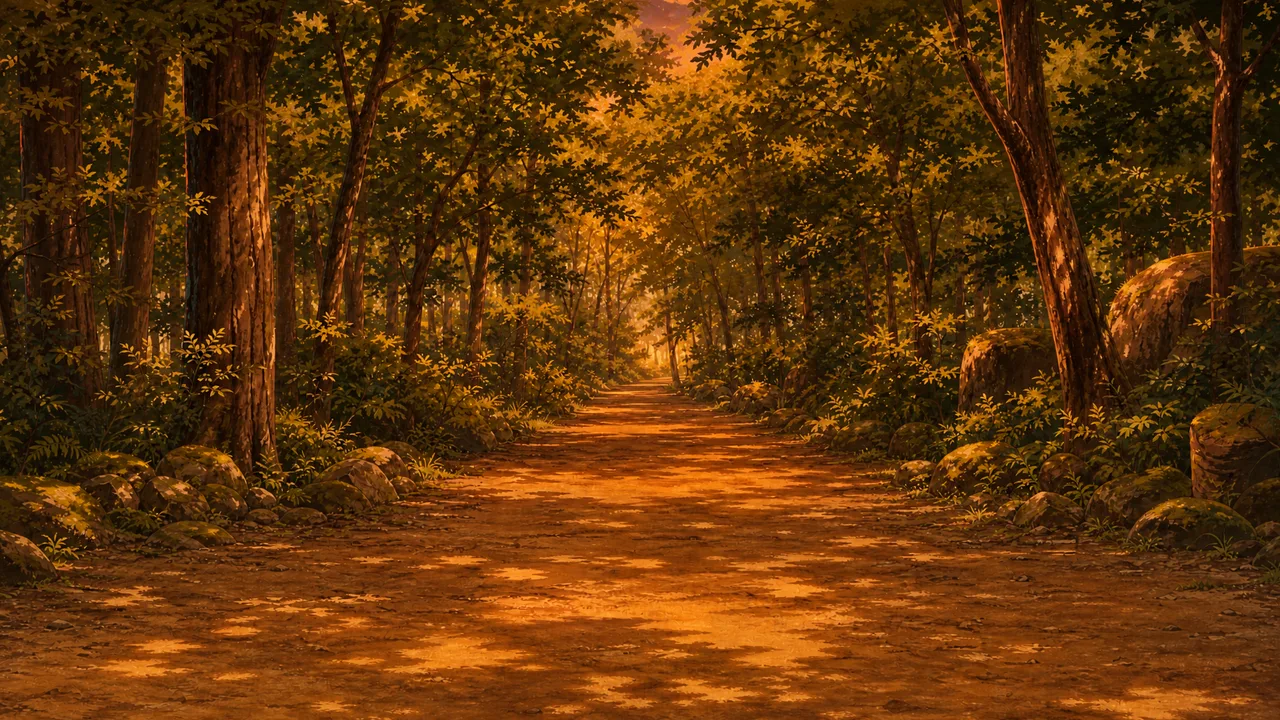
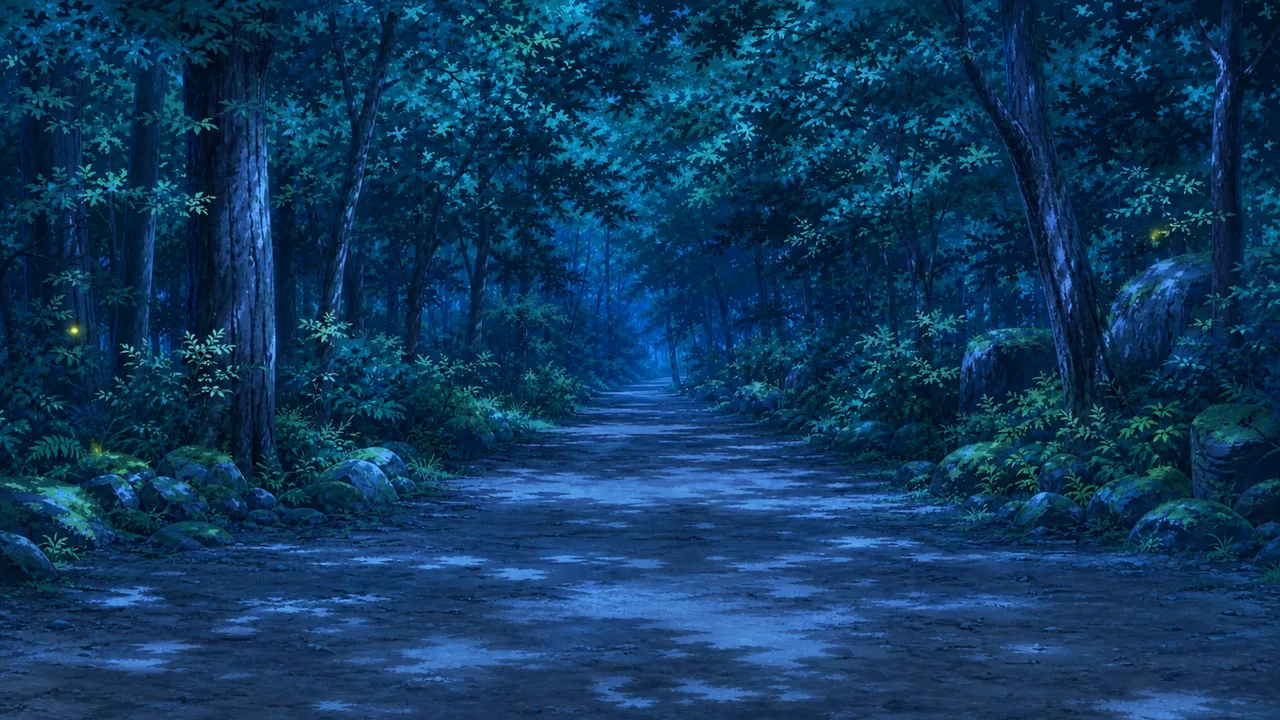
Pick a scene to make tall
All 169 scenes BG-026 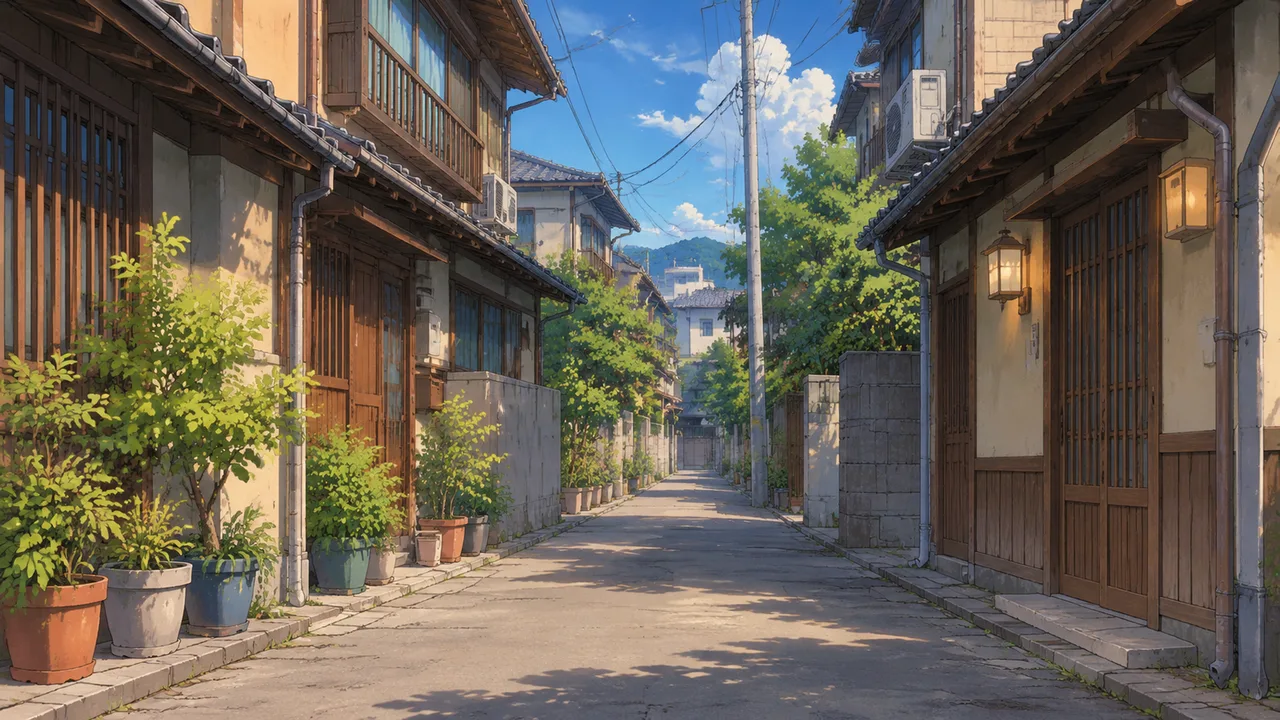
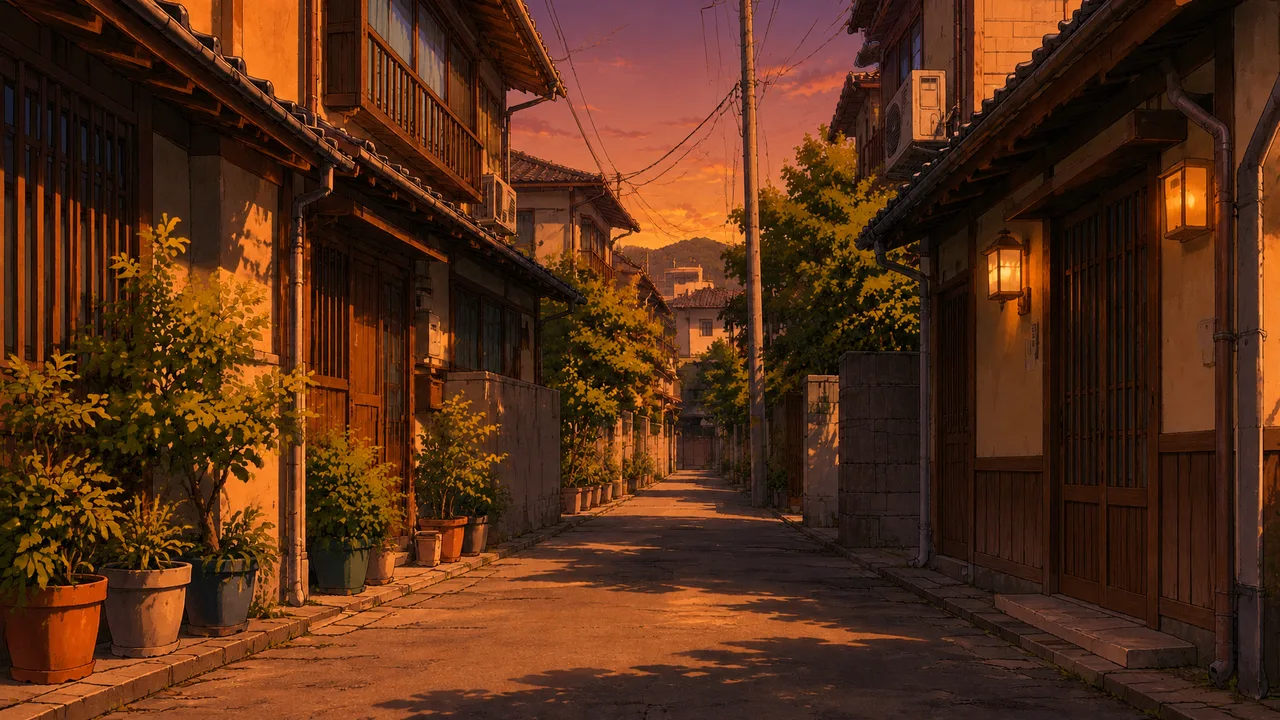
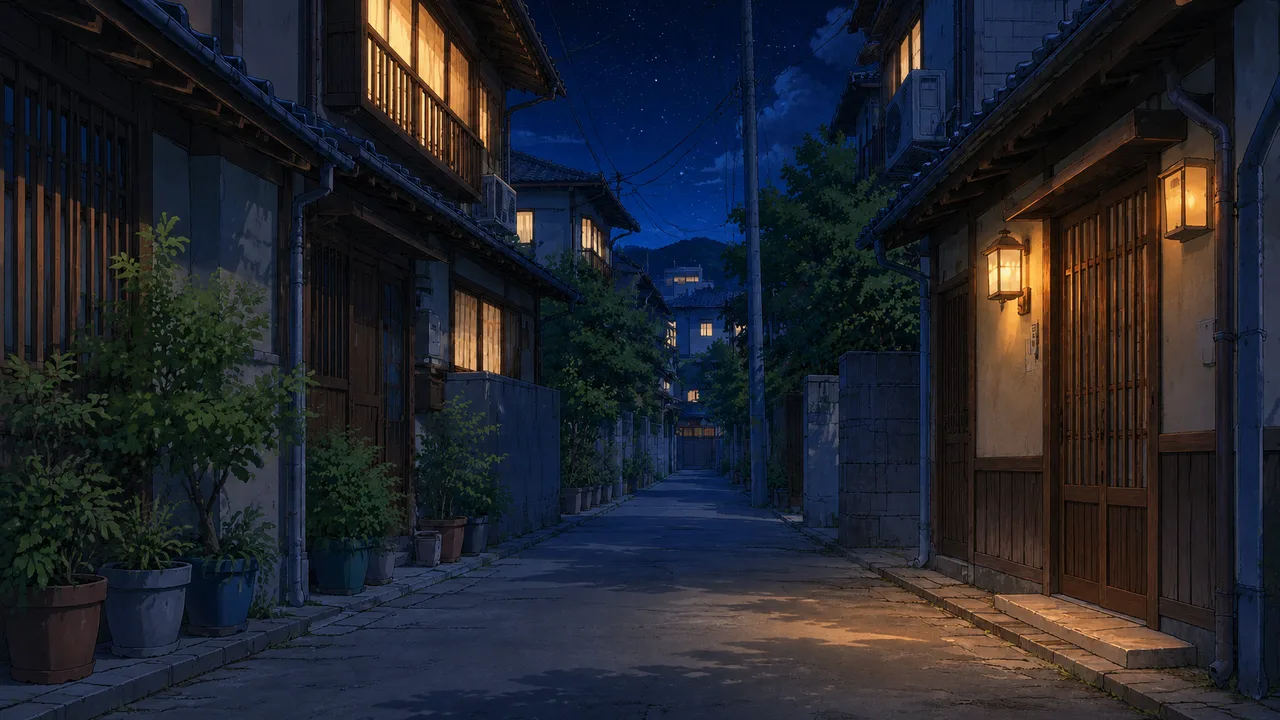
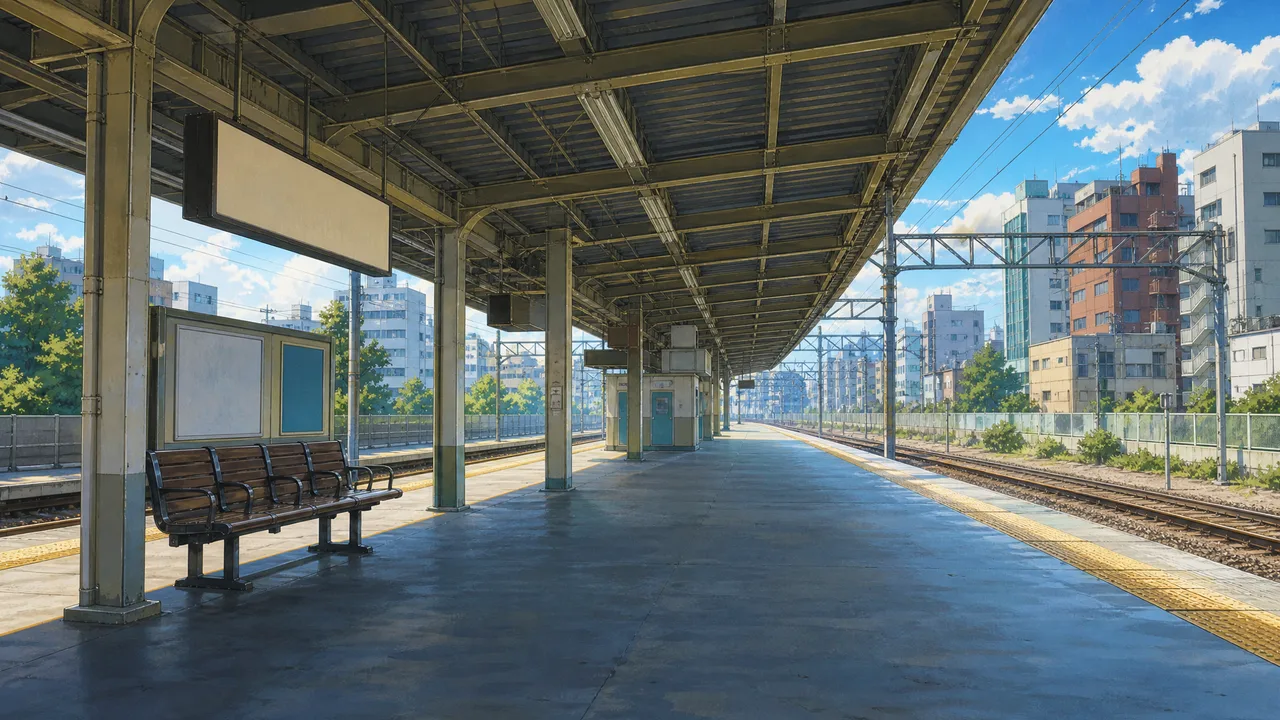
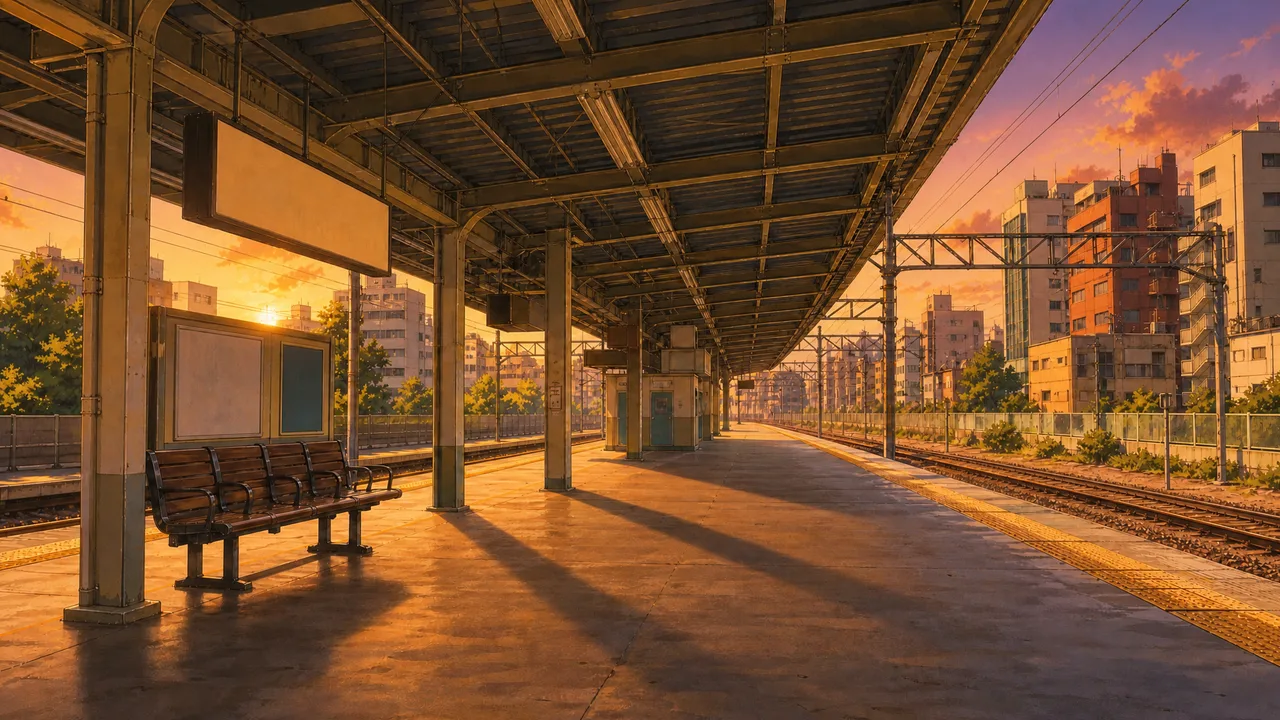
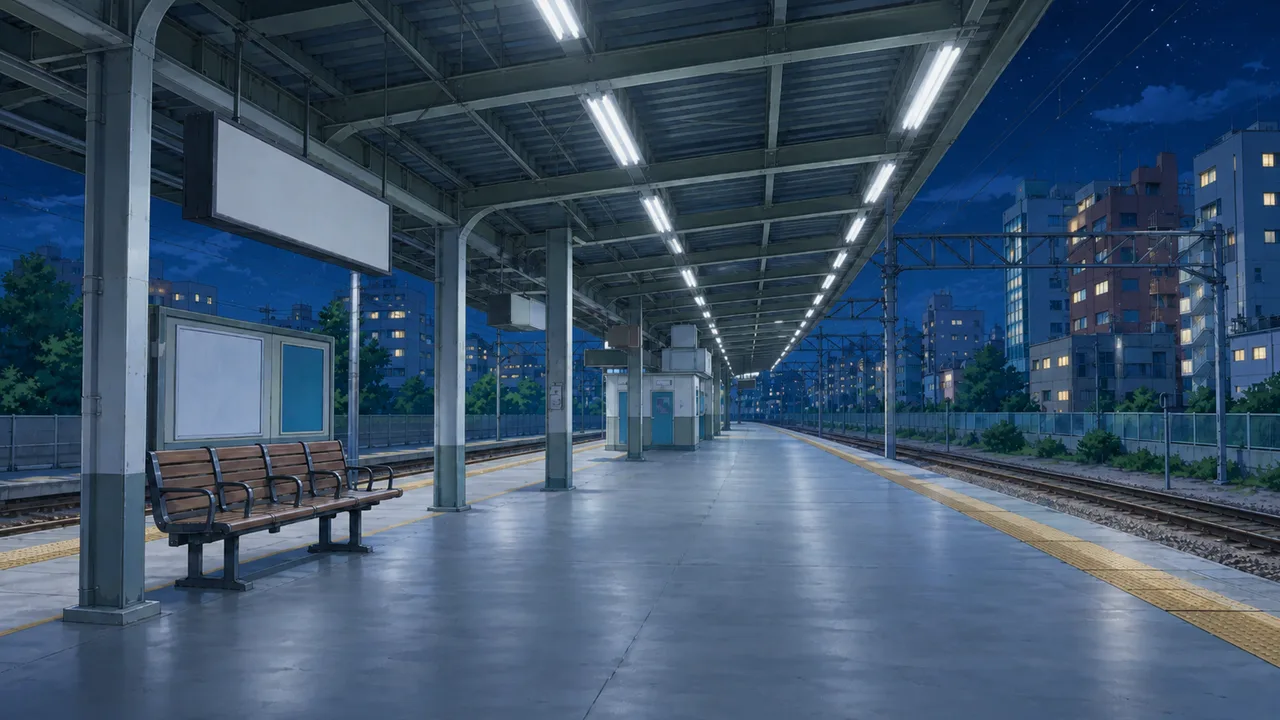
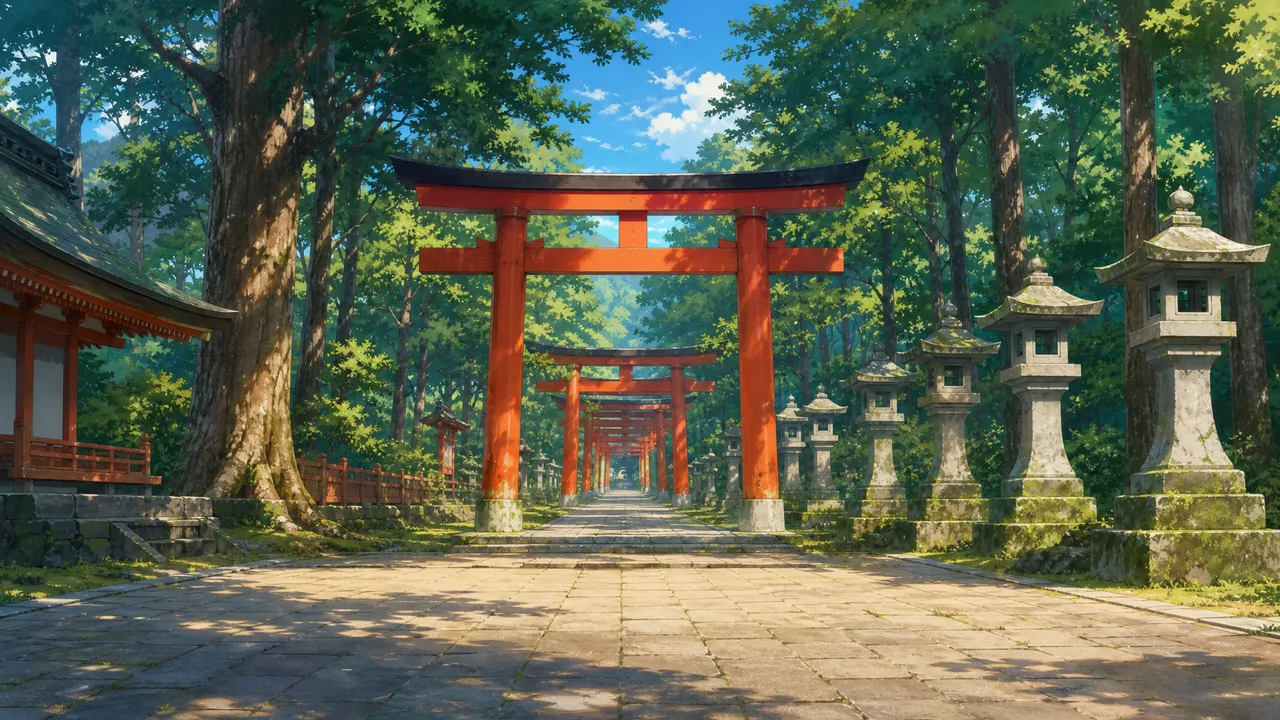
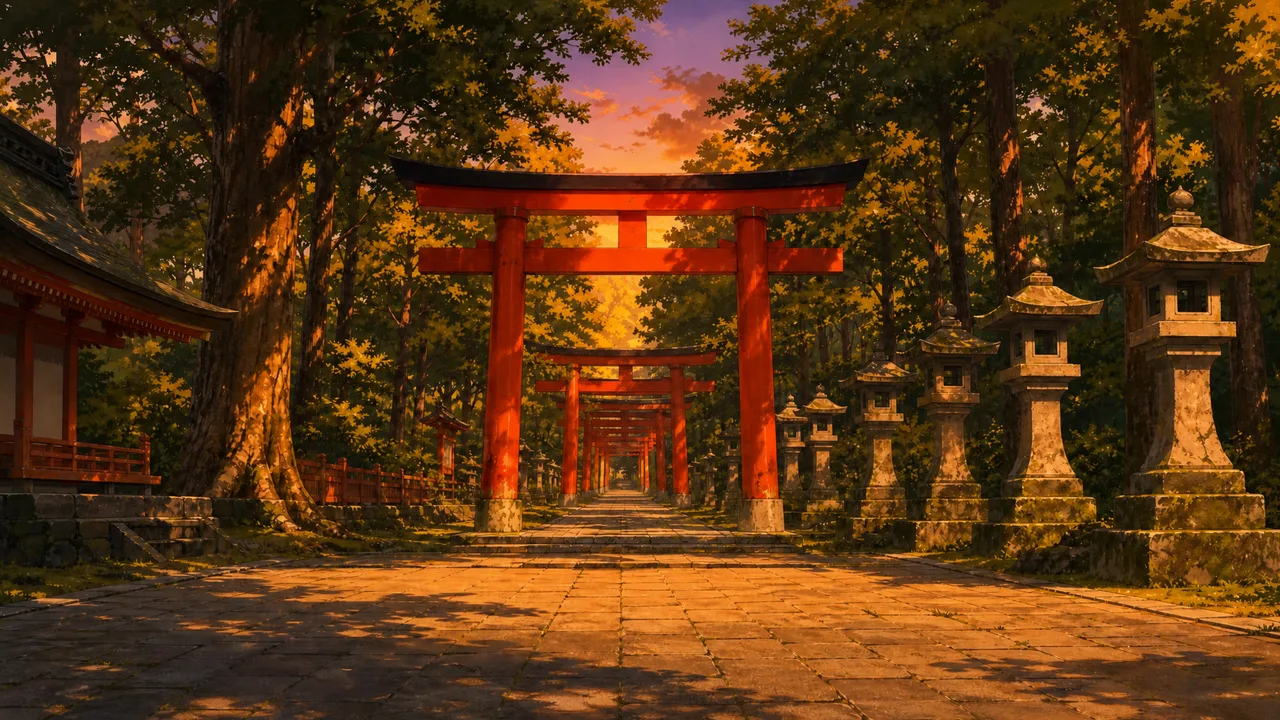
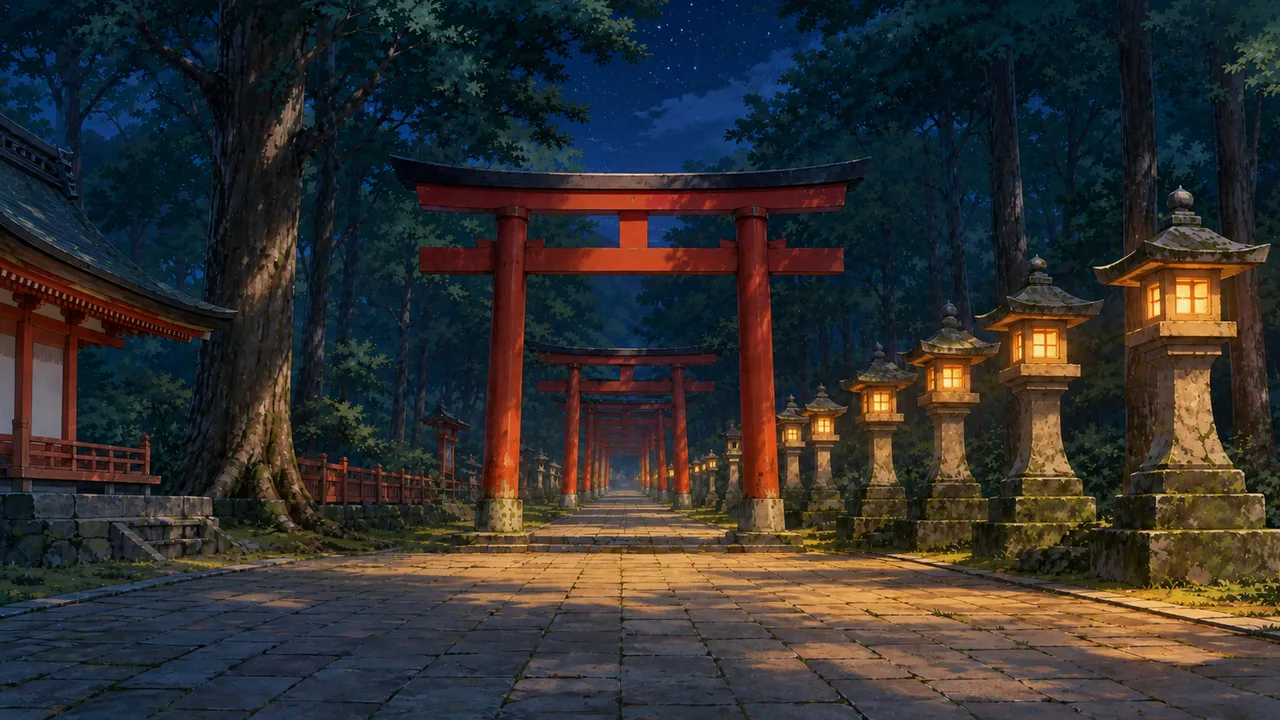
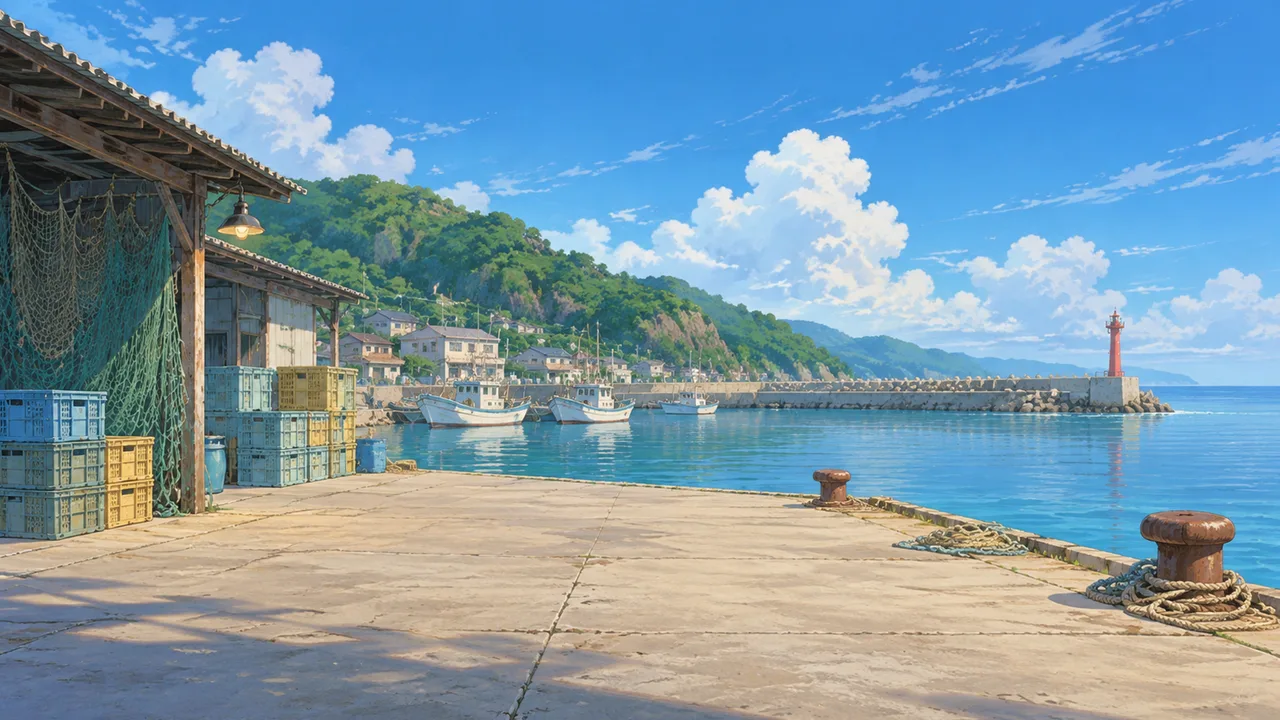
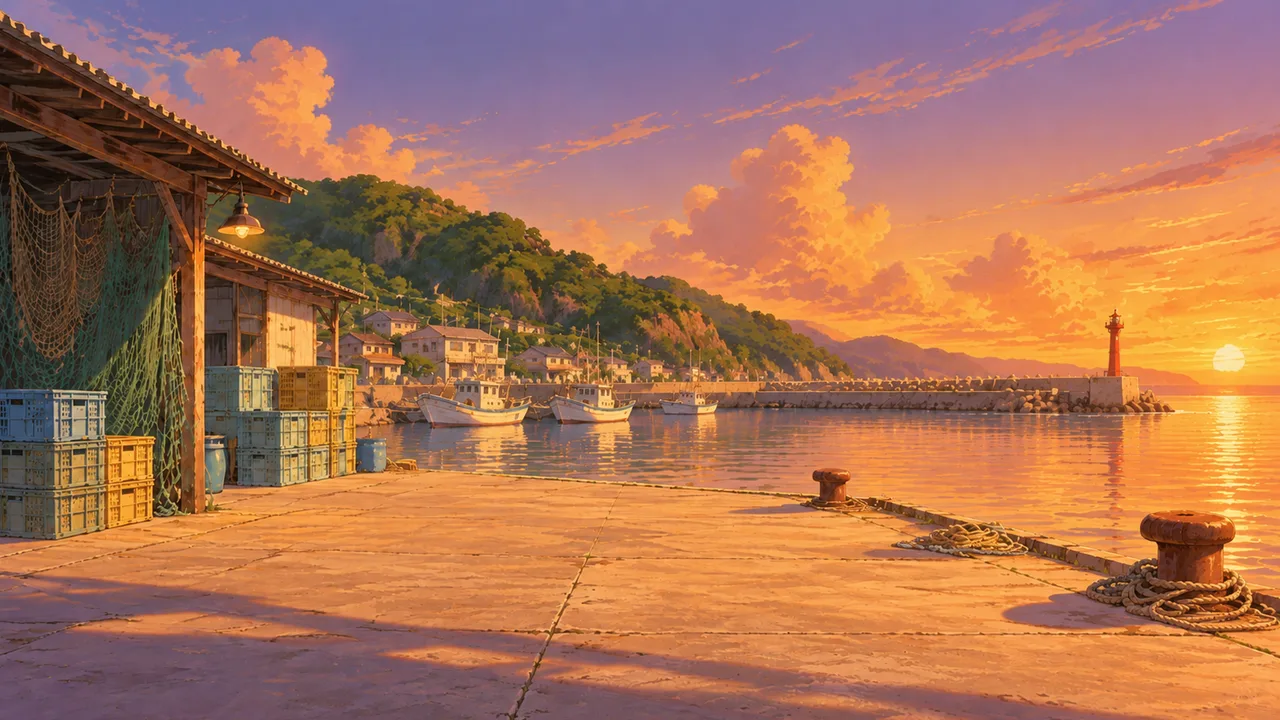
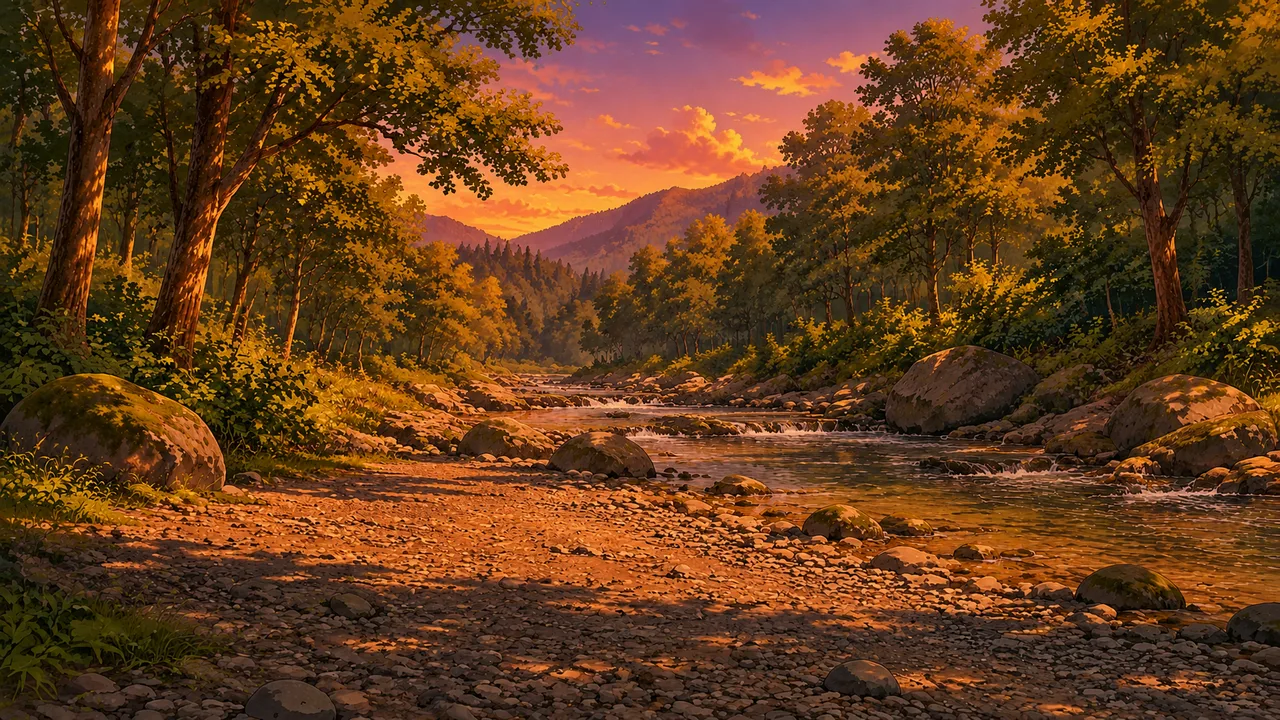
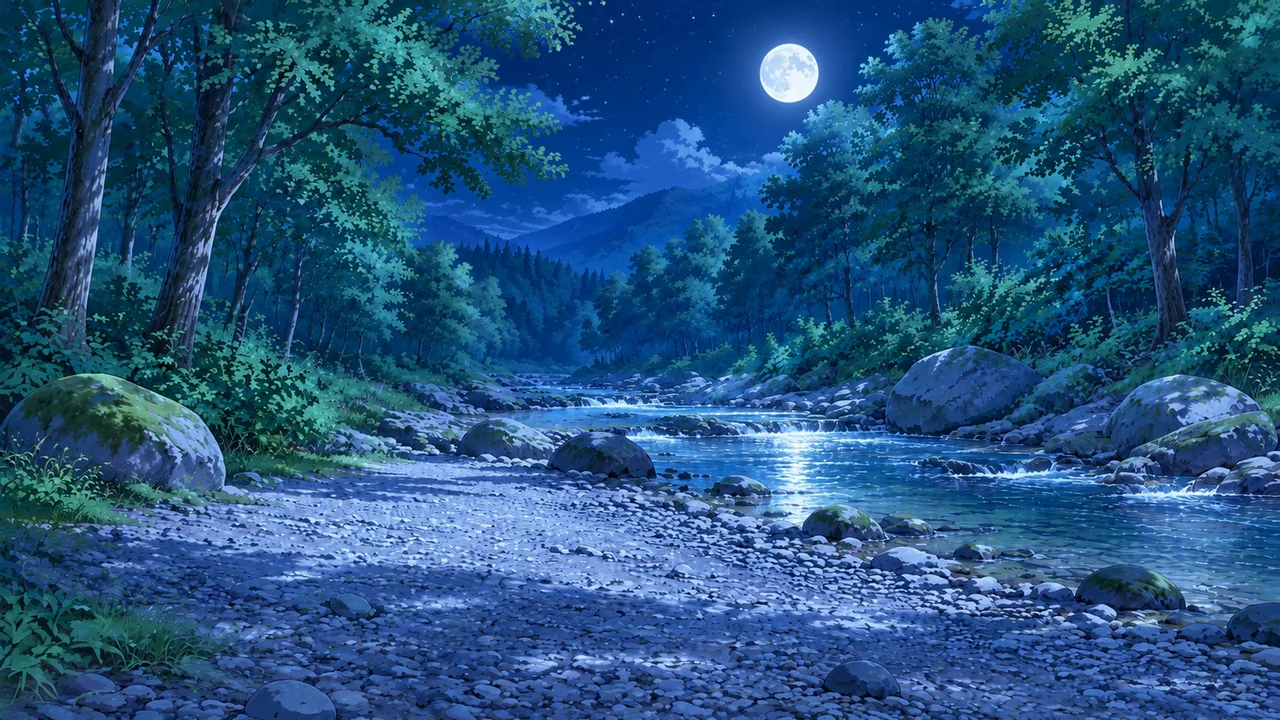
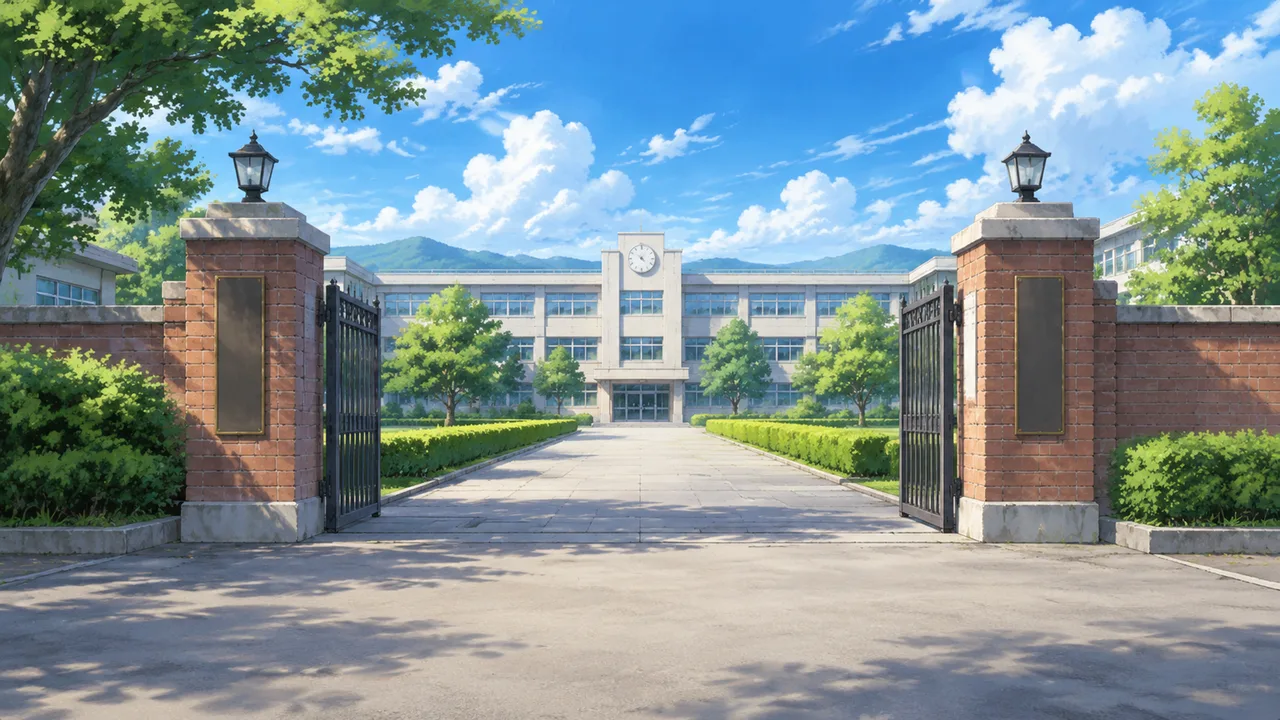
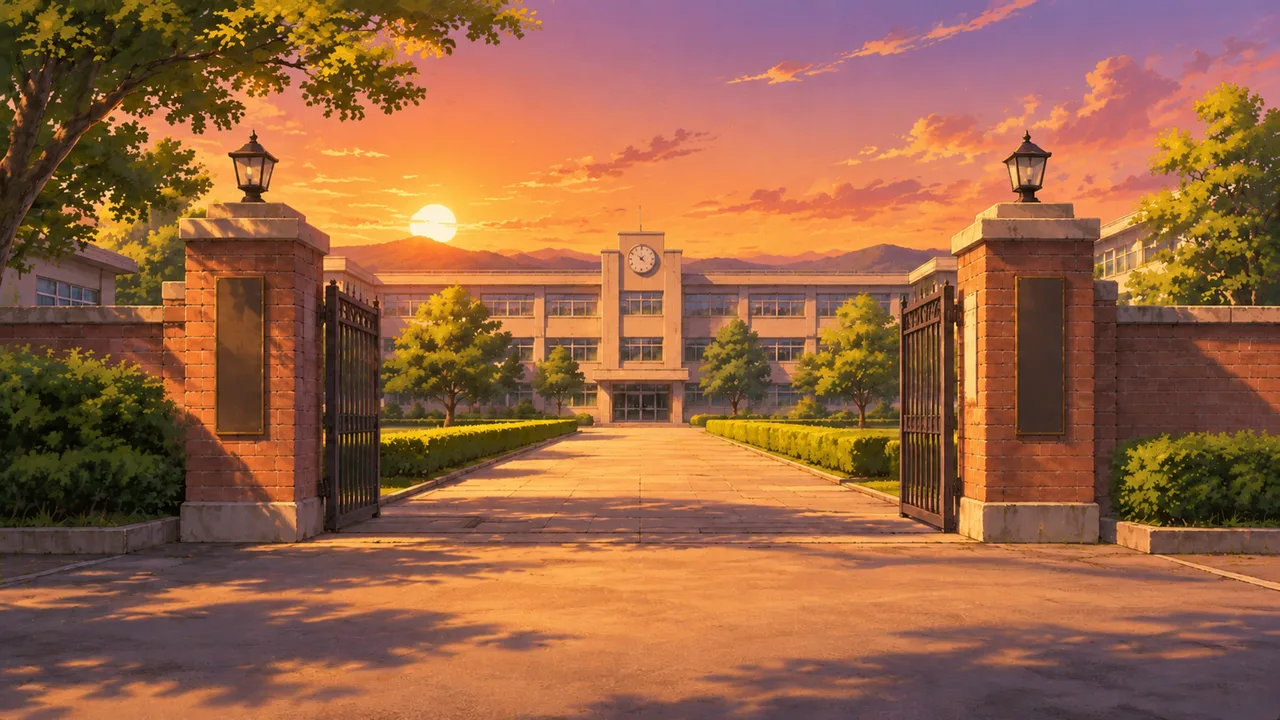
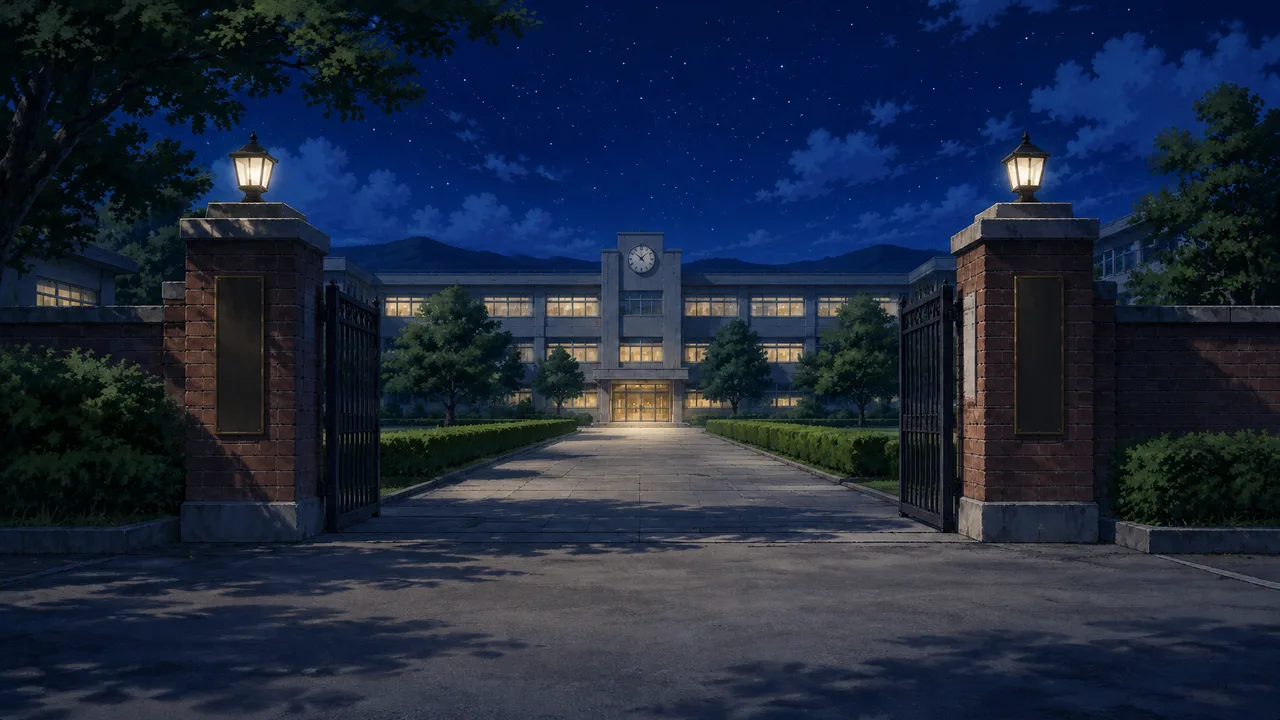
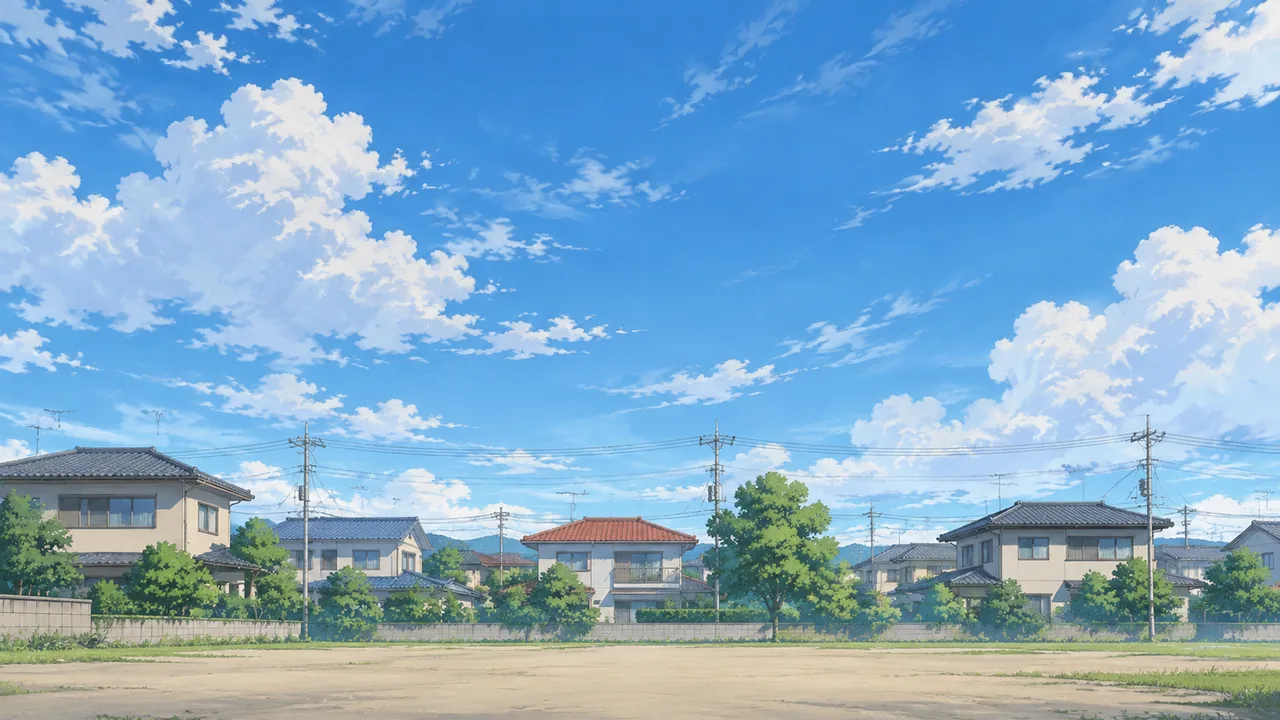
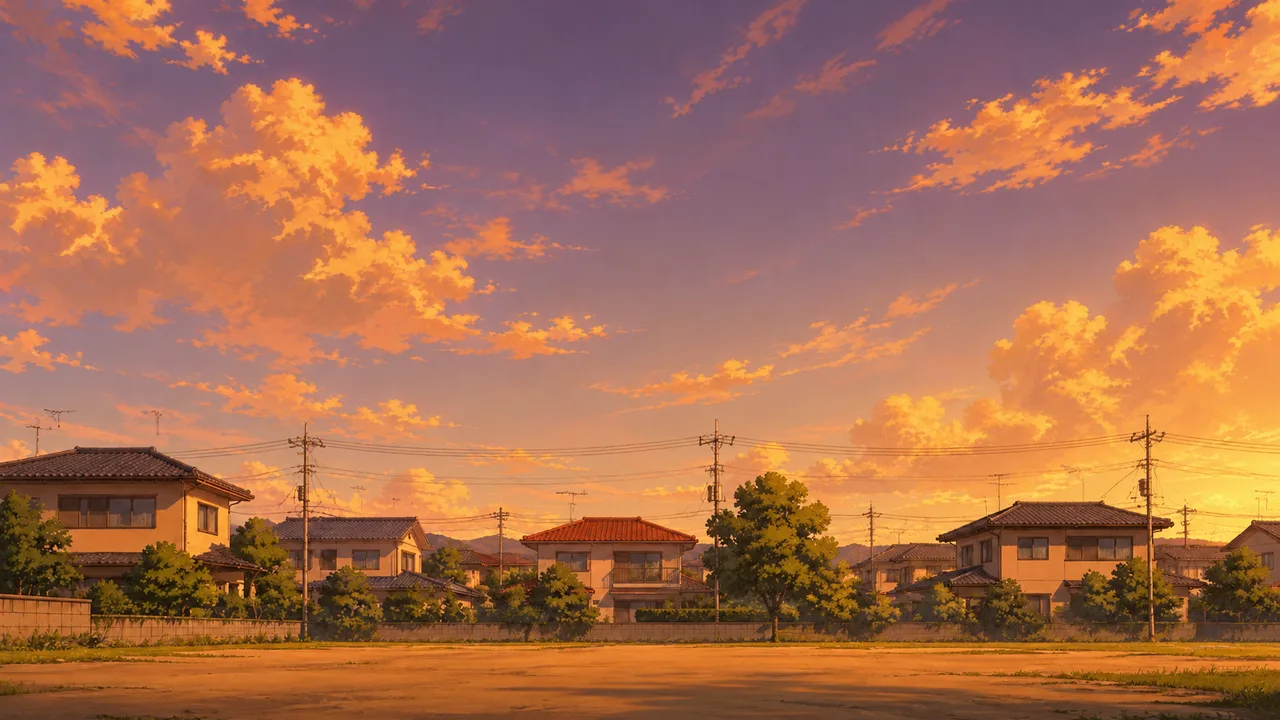
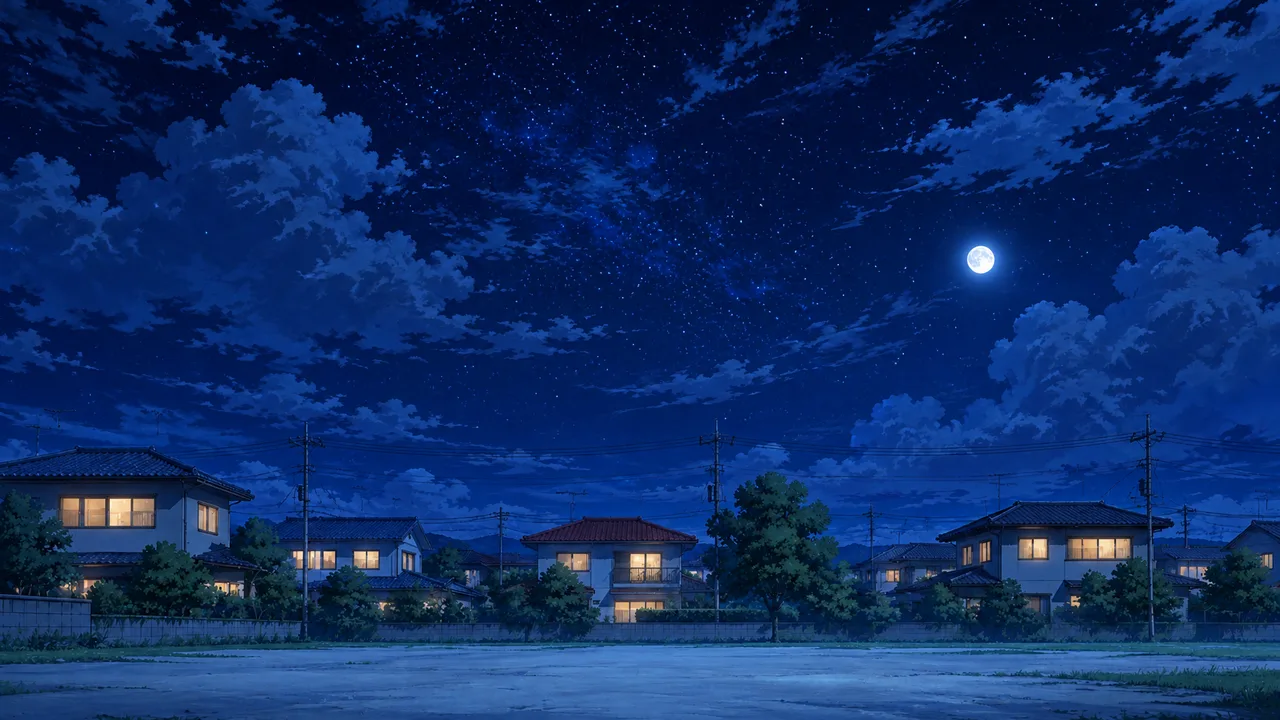
Narrow back alley
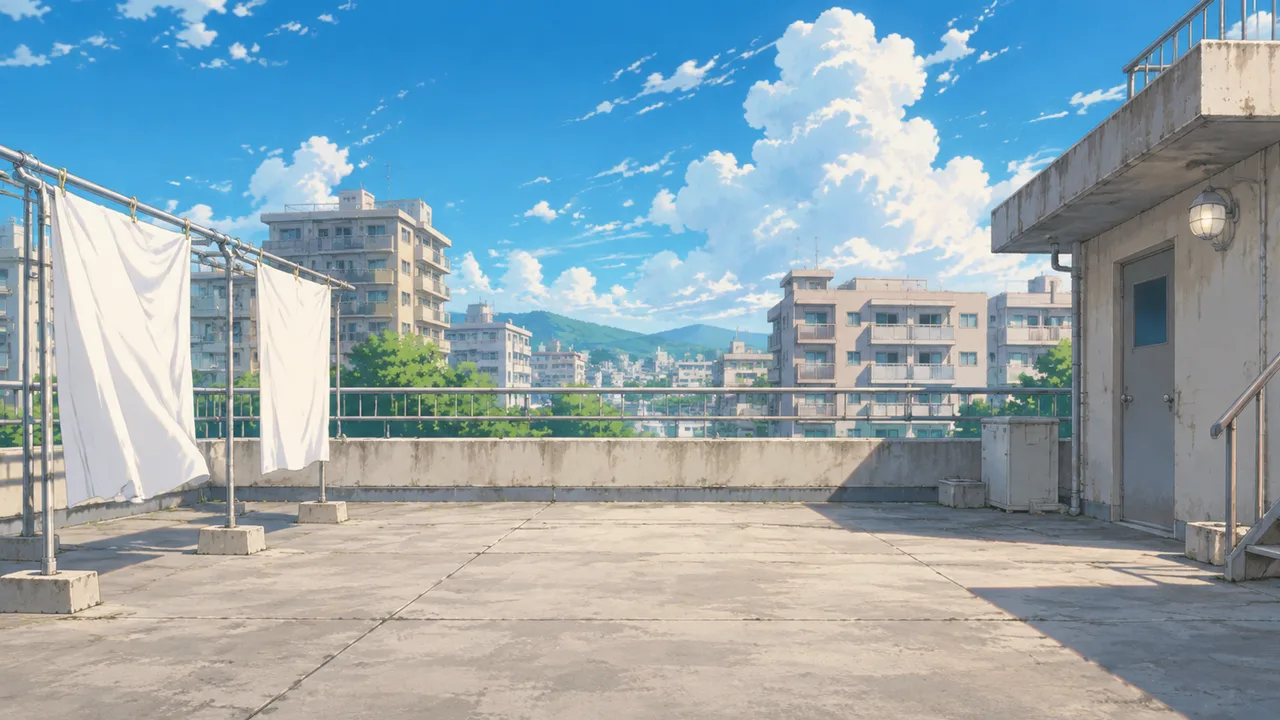
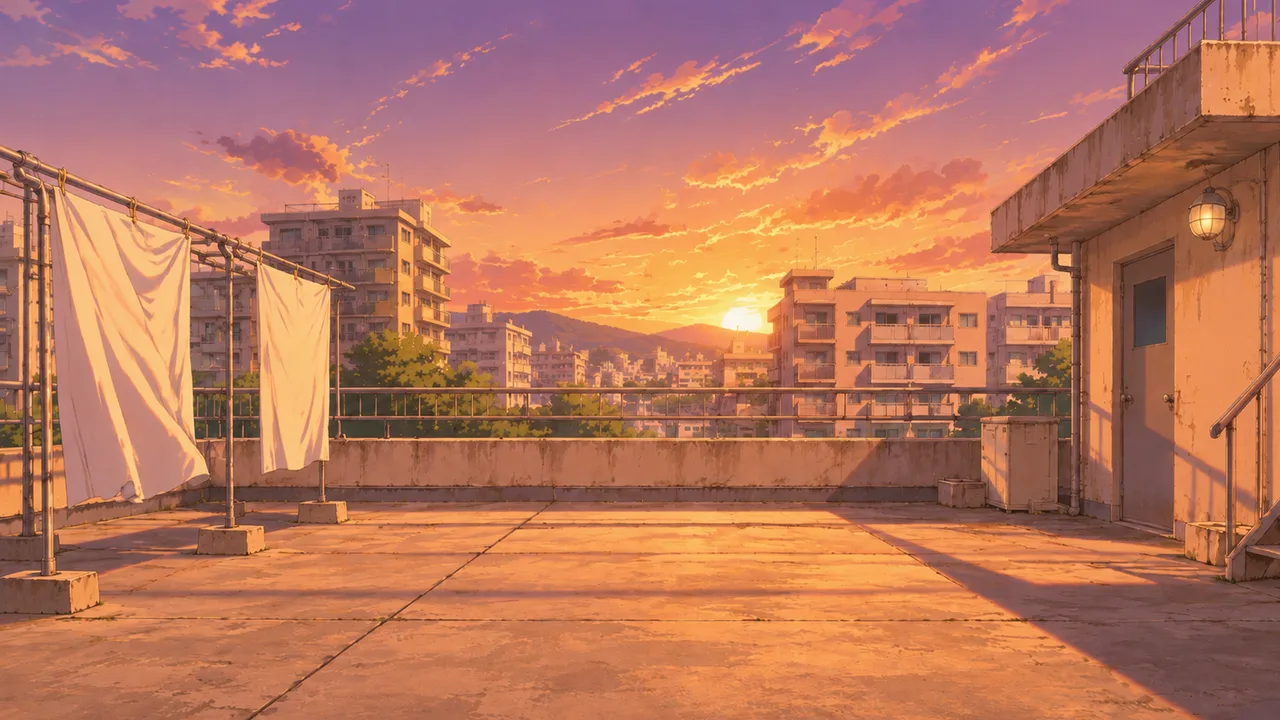
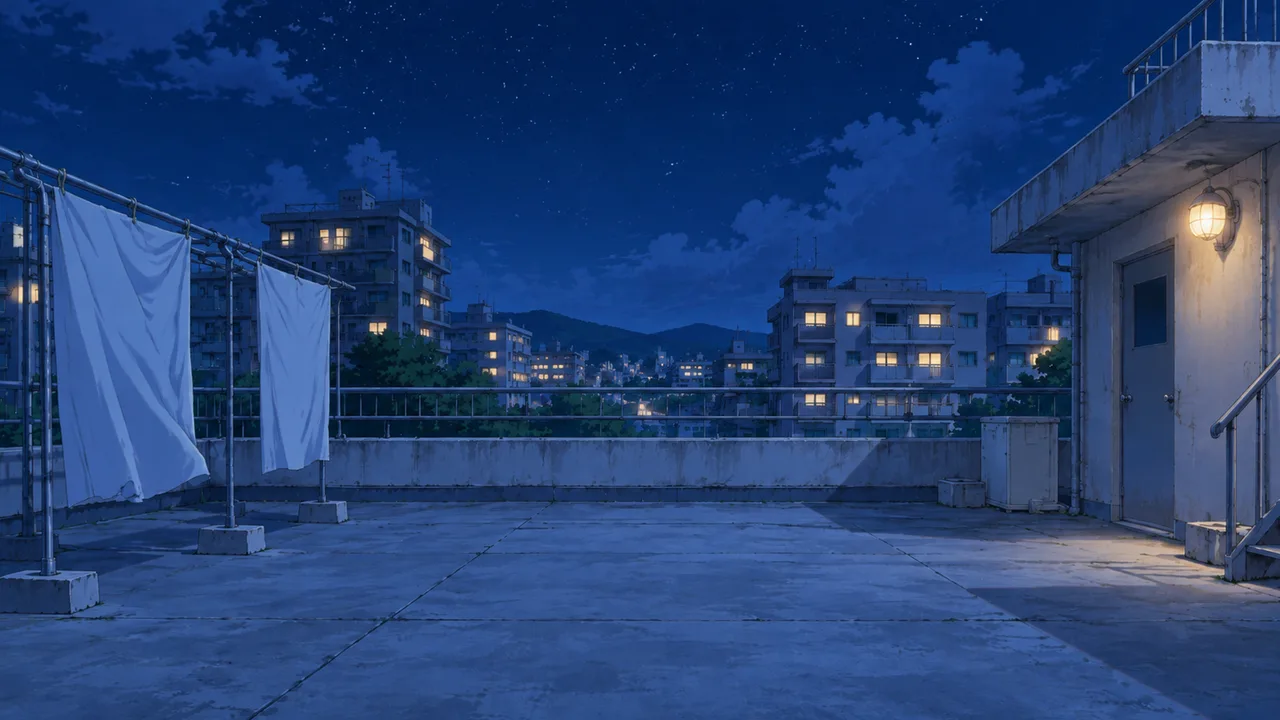
BG-034 Apartment rooftop
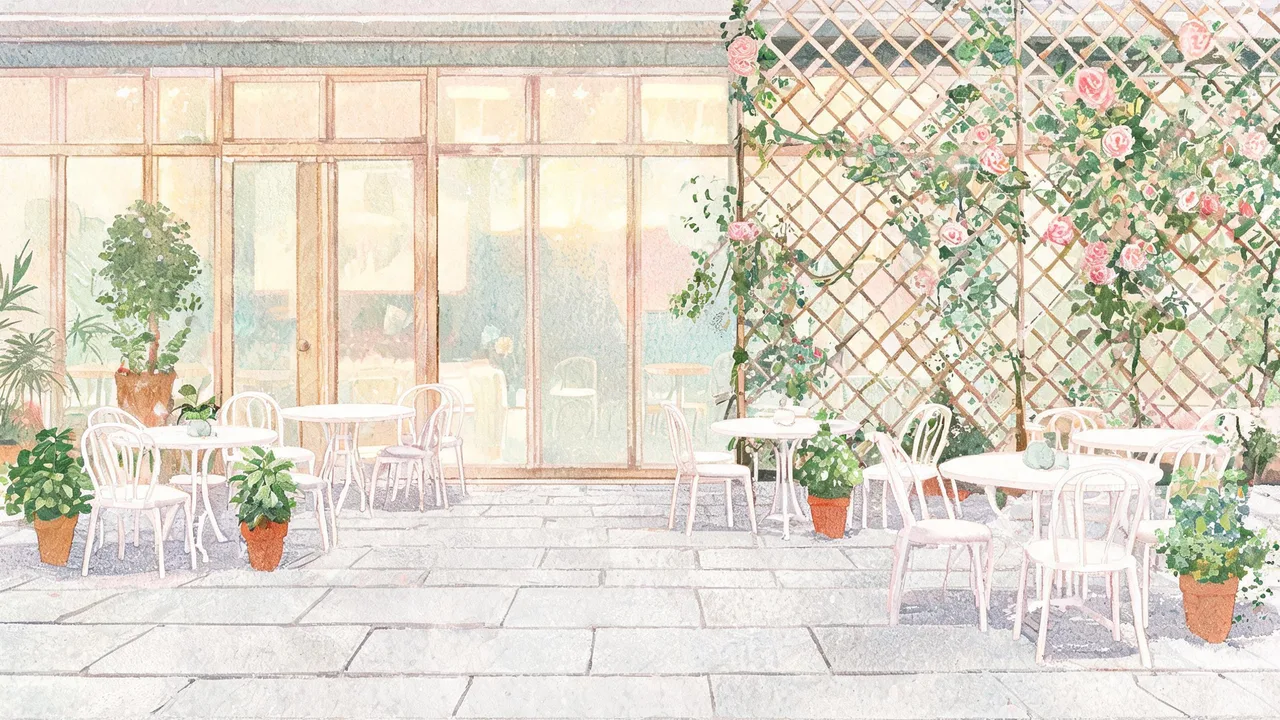
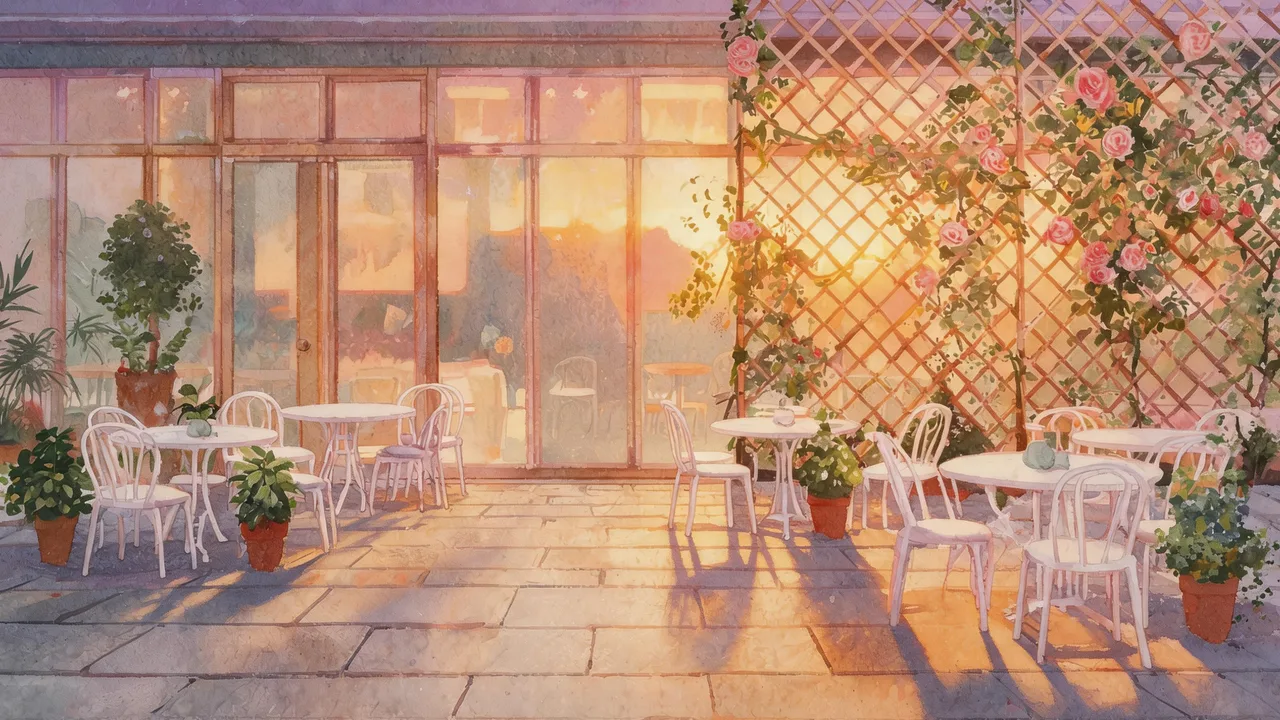
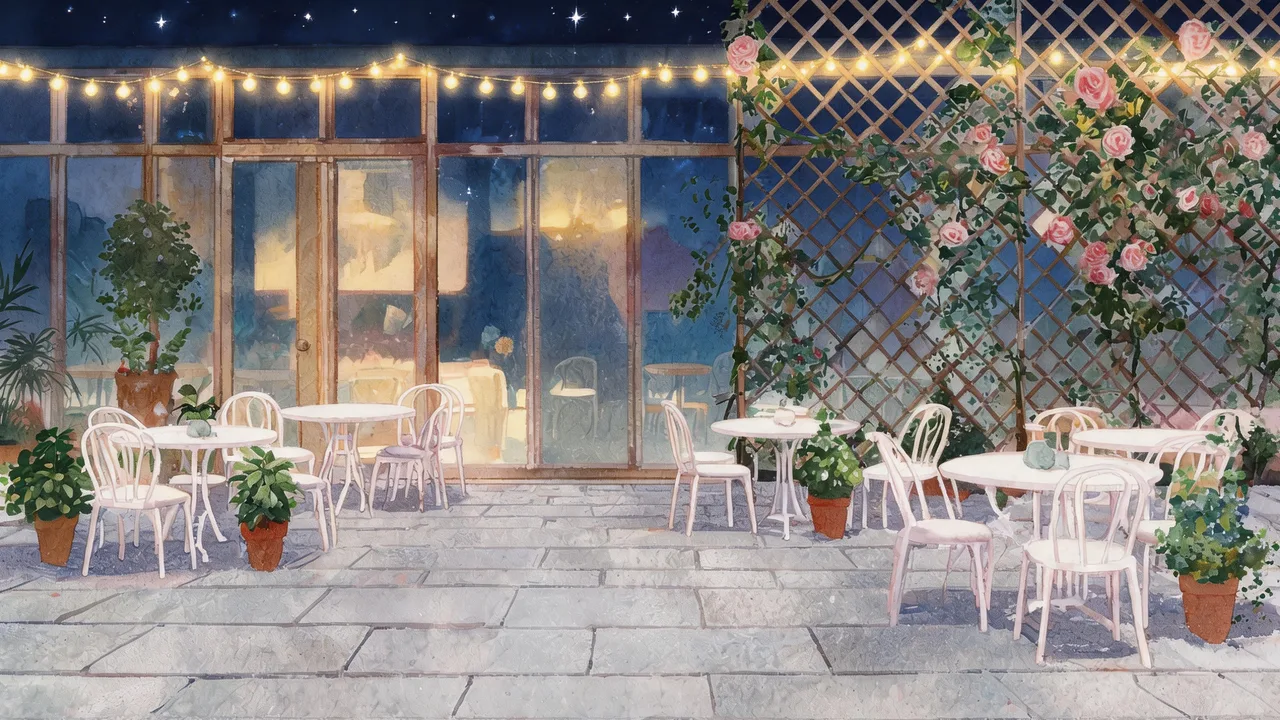
BG-135 Watercolor garden café
BG-043 City platform
BG-049 Torii path
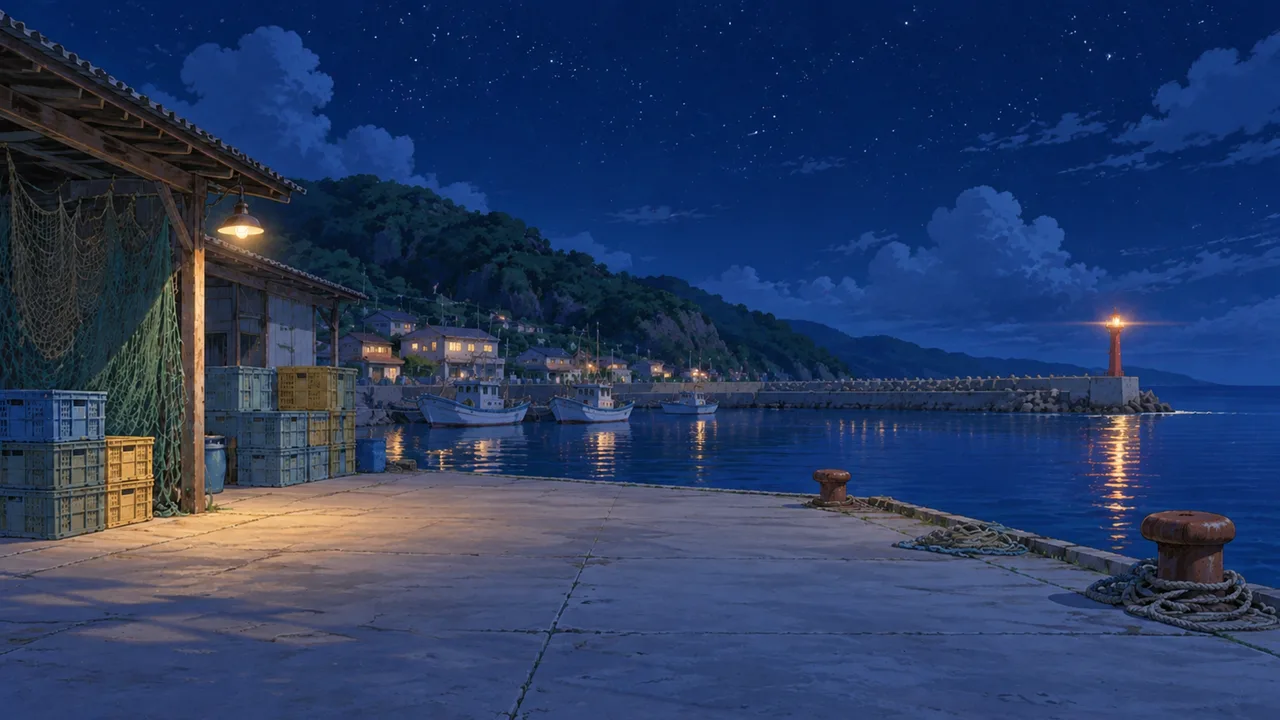
BG-054 Fishing harbour quay
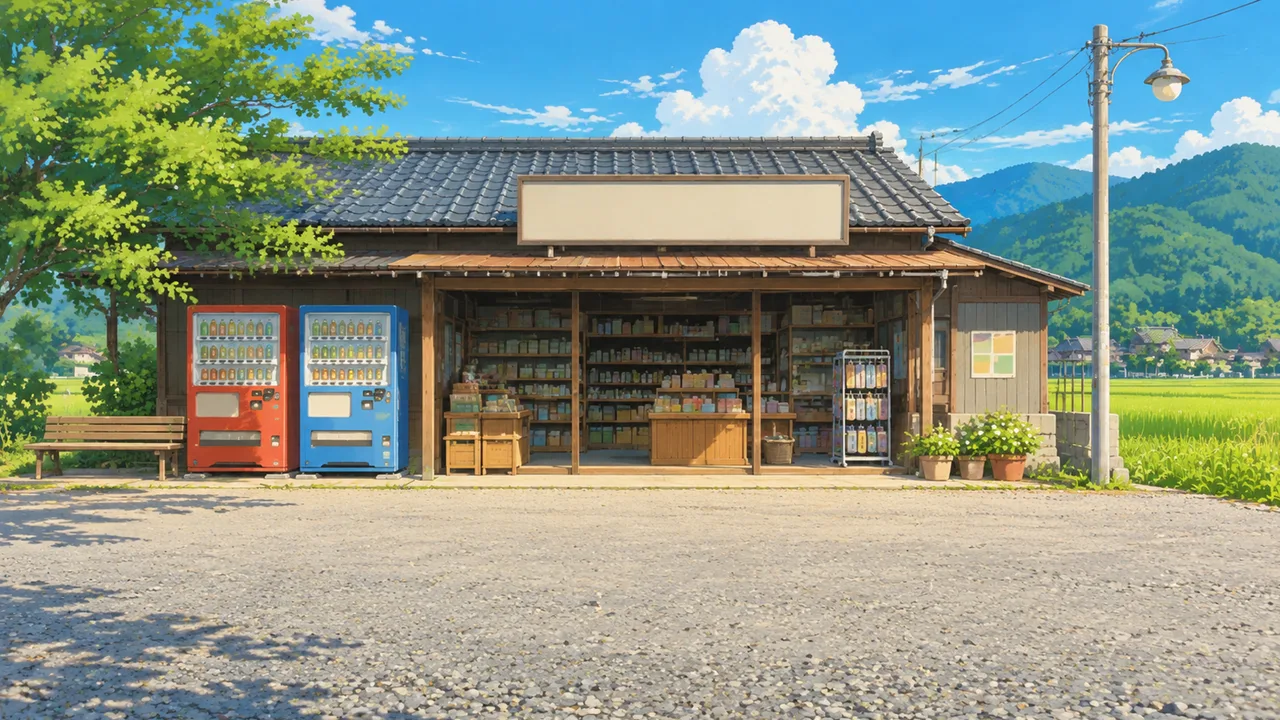
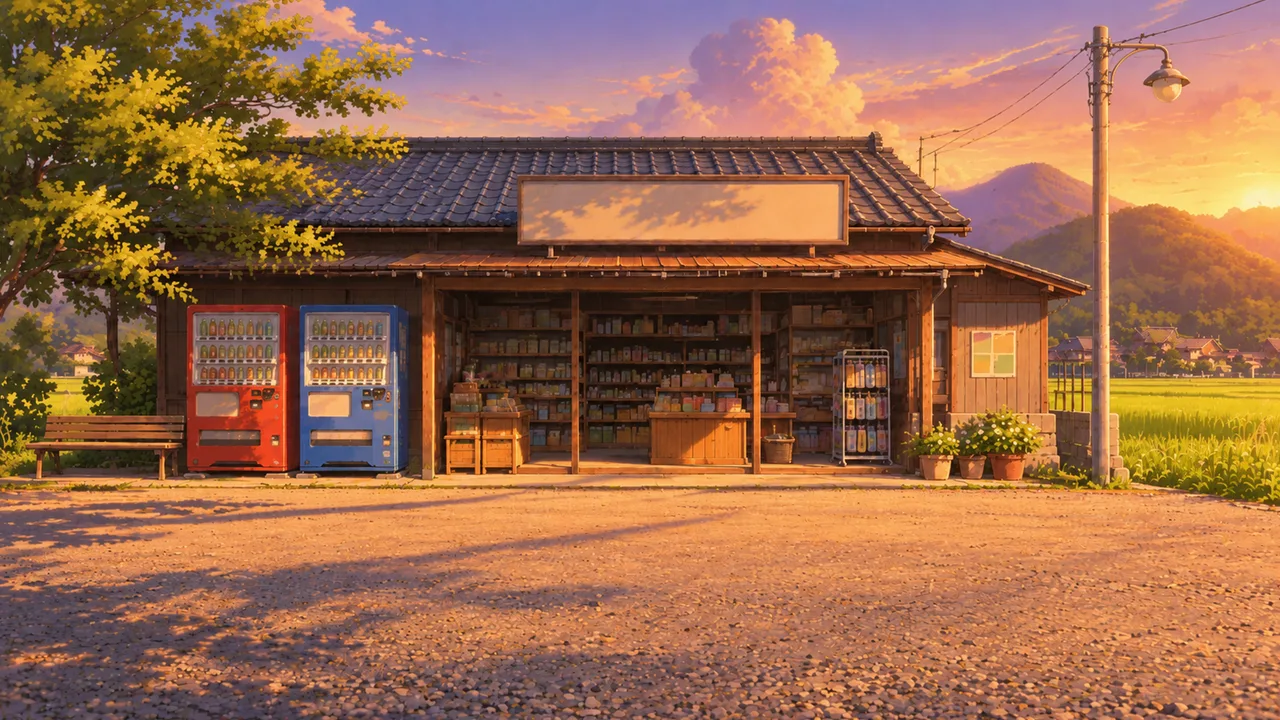
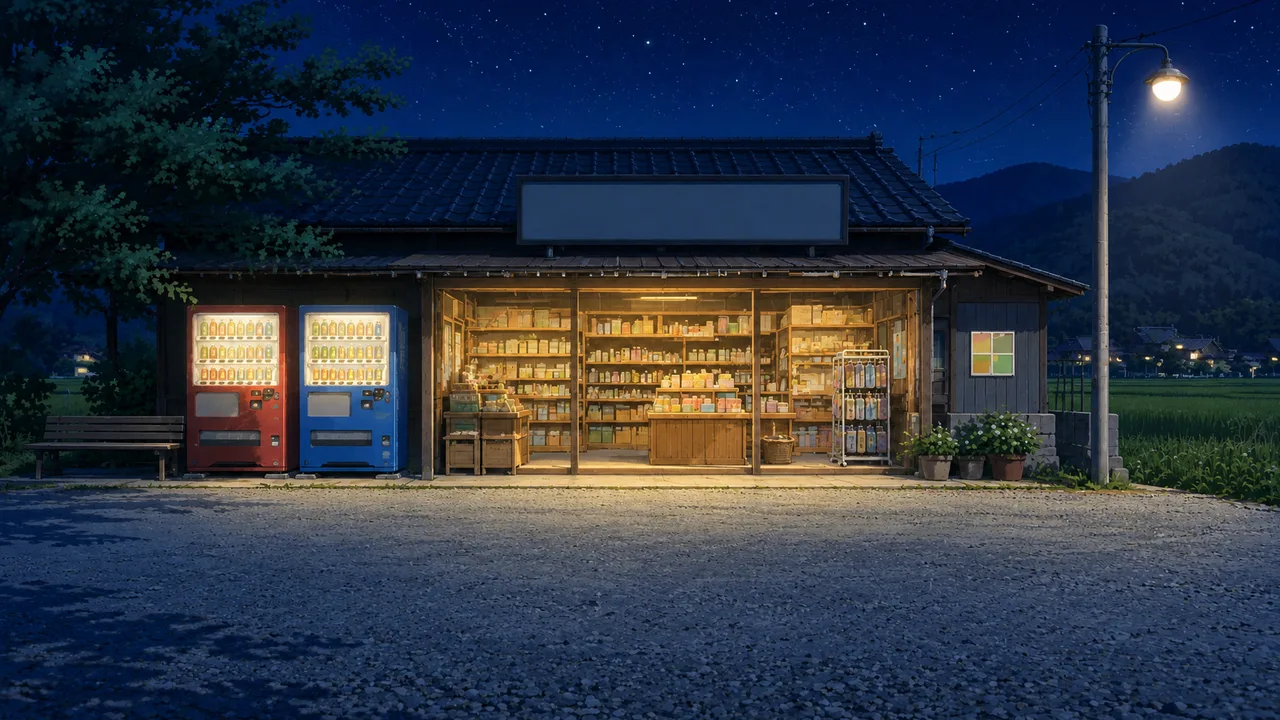
BG-073 Roadside rural store
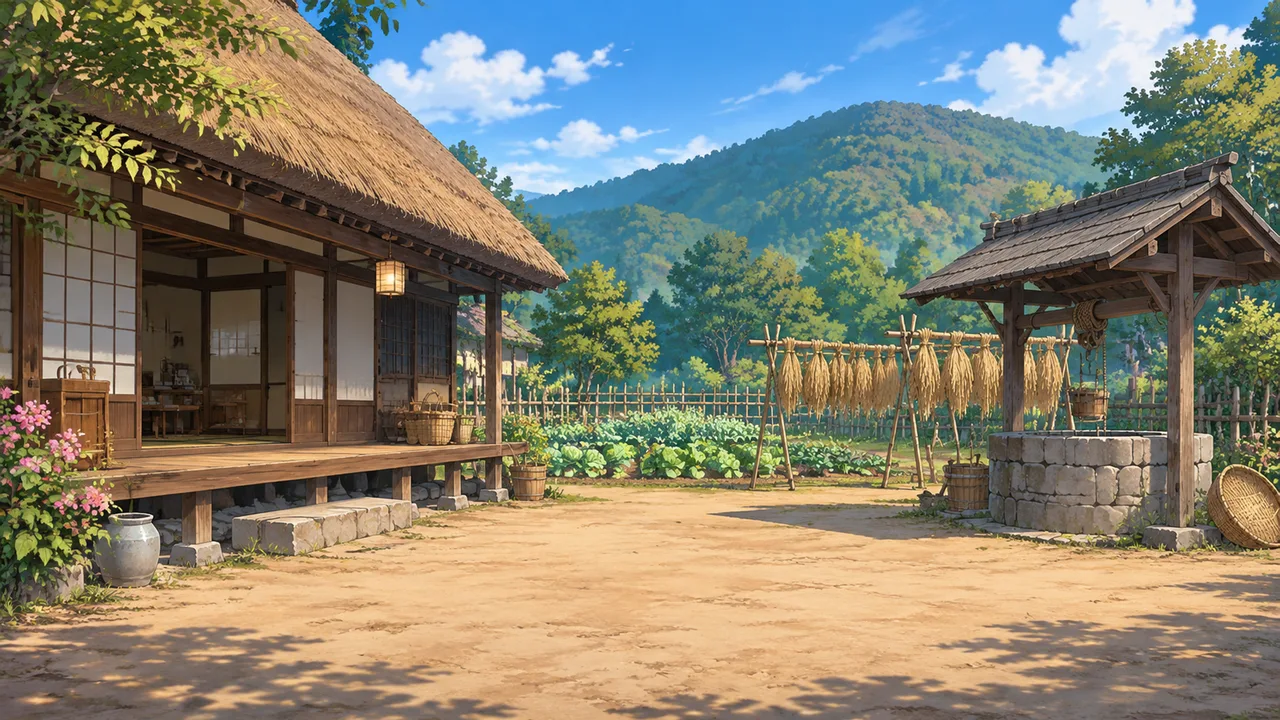
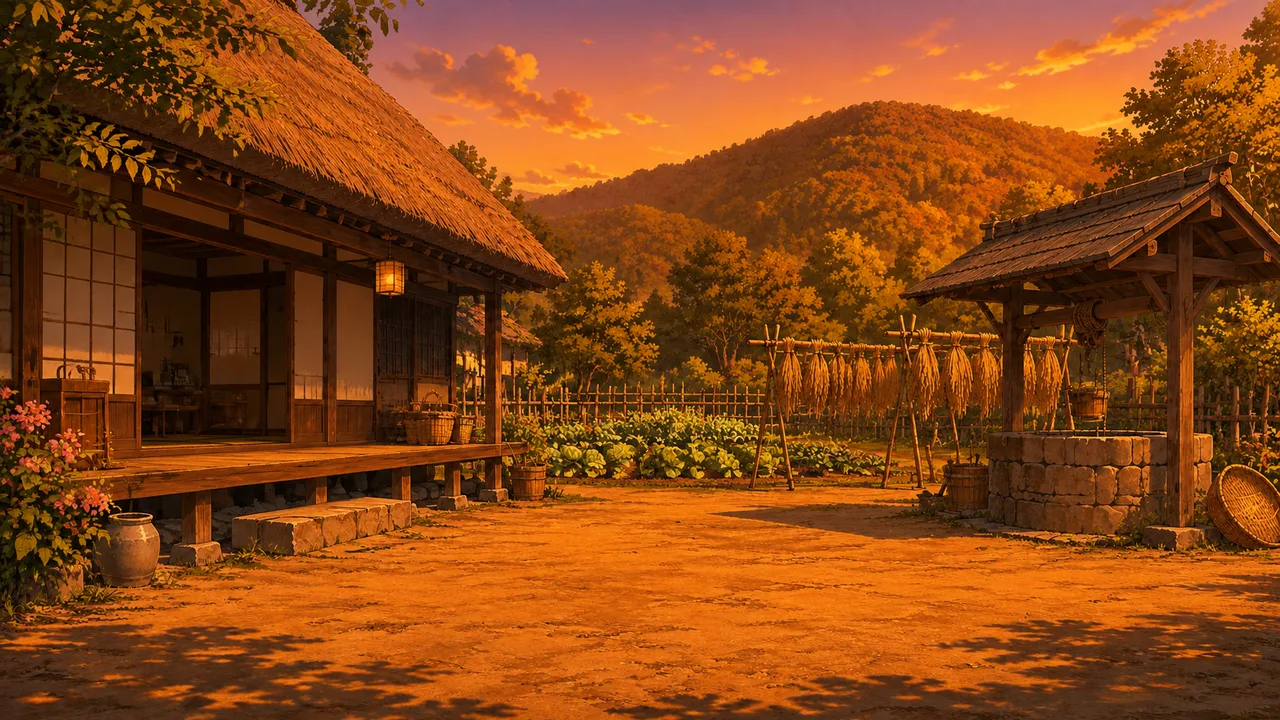
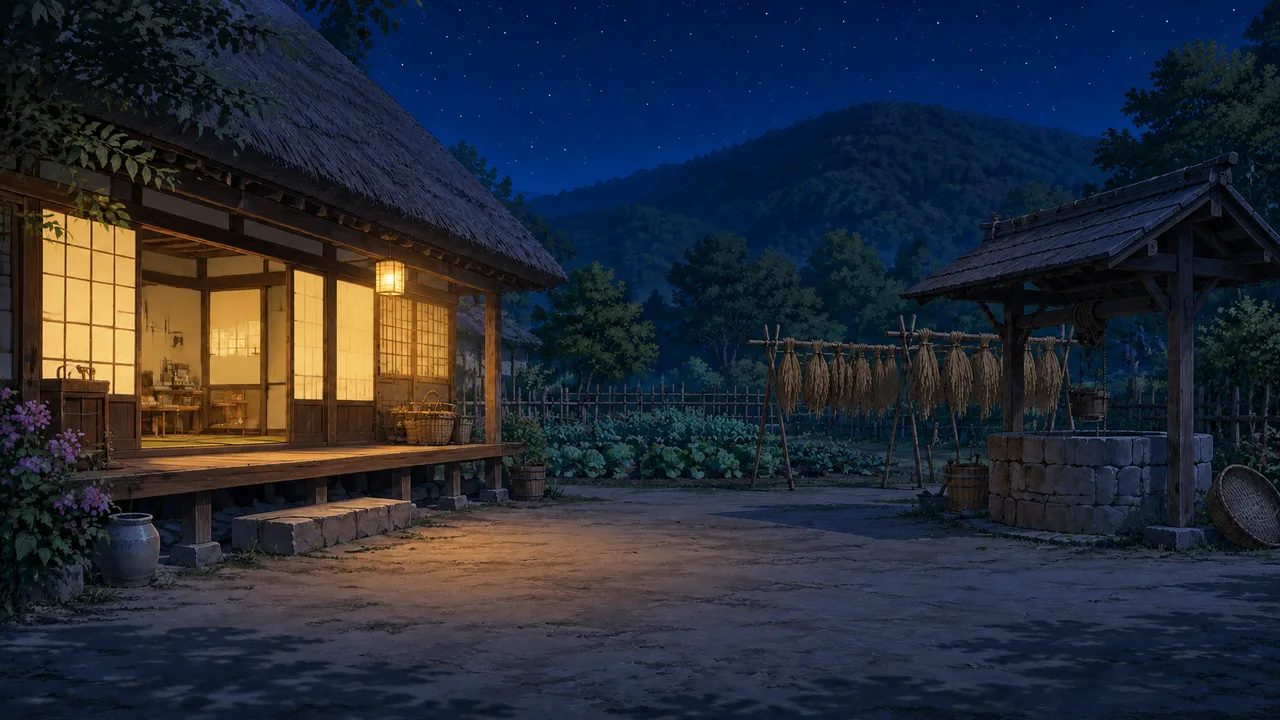
BG-074 Farmhouse yard
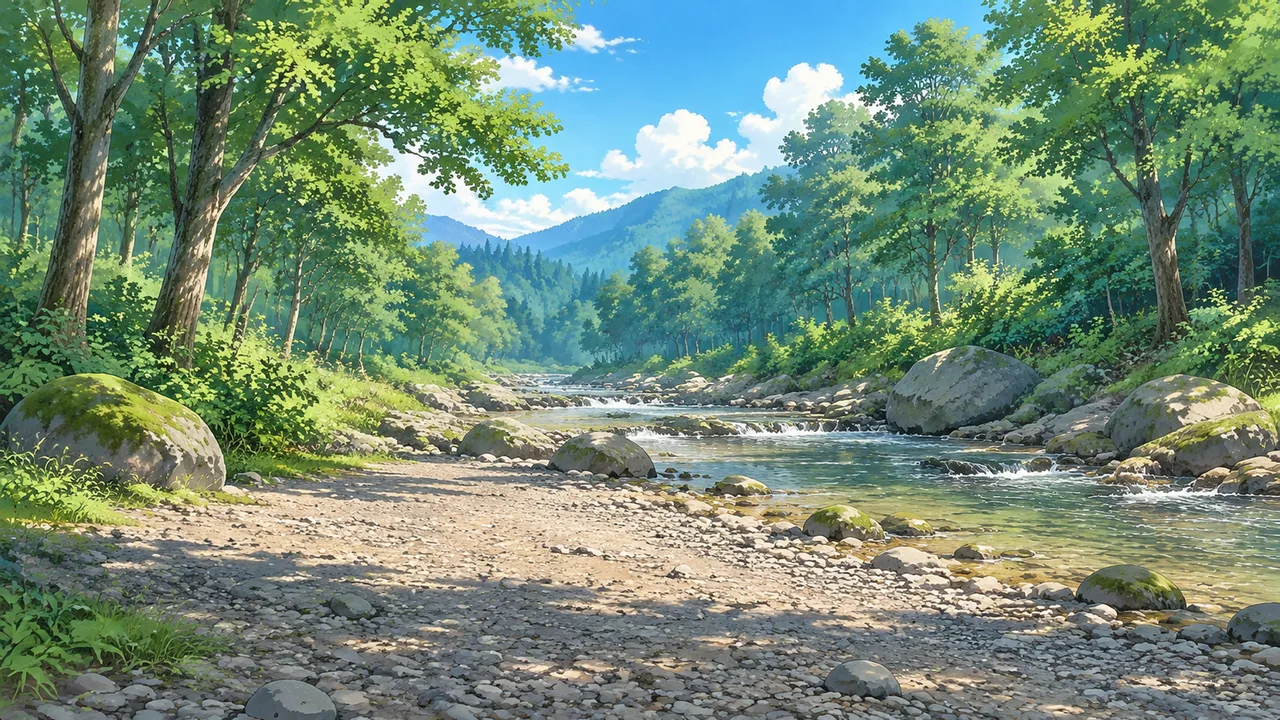
BG-062 Mountain stream
BG-086 School front gate
BG-091 Sky over town roofs
BG-099 Children's playground
Make a 9:16 version
- Choose a scene above, or Phone 9:16 on any scene page. Studio opens with the scene and the shape set.
- Choose the time.
- Press Paint it, then Download.
iPhone
- Save the image to Photos.
- Open Settings, tap Wallpaper, then Add New Wallpaper.
- Choose Photos, pick the image and tap Add.
Android
On a Pixel. Other phones name these differently.
- Touch and hold an empty space on the home screen and tap Wallpapers & style.
- Tap Change wallpaper, then Choose a photo.
- Pick the image, tap Preview, then Apply.